


Vehicle Search
Dayton Audio SPA500DSP 1-Channel Amplifier


Dayton Audio SPA500DSP 1-Channel Amplifier
 Pay conveniently in 12 interest-free installments at €43,25 with Klarna .

Availability for pickups could not be loaded.
Shipping cost calculator
Shipping cost calculator
Warranty & additional device protection for your Hi‑Fi system

Rob

Max
Not sure if this product fits your car?
We help you — quickly, personally and without obligation.
Fill out the form and we will send you a personalized offer
This product is not universally compatible. Send us your vehicle data and we will check the fit for your model free of charge.

SPA500DSP by Dayton Audio
The SPA500DSP from Dayton Audio is a 1-channel amplifier that offers versatile power options. You can choose between an energy-saving mode and an "always-on" mode, allowing the amplifier to flexibly respond to your needs. With an output power of 500 watts RMS at 4 ohms and a signal-to-noise ratio of 97.9 dB, it delivers clear and powerful sound results. The analog input attenuation allows for precise adjustment of the input signal, while the USB control supports seamless communication with the PC software. Additionally, you can navigate through an extensive function menu and conveniently use the digital control with a one-button operator. The amplifier is also equipped with a 5-band parametric equalizer and a dual-band limiter, enabling individual sound customization.
features
-
Performance mode: Choose either the energy-saving mode or the "Always On" mode.
- Auto: The amplifier switches to standby mode if no signal input is detected for 20 minutes*
- An amplifier is always on, regardless of the status of the input signal.
- The amplifier usually turns on automatically within one second or less as soon as audio signals are received again.
- Auto: The amplifier switches to standby mode if no signal input is detected for 20 minutes*
-
Analog input attenuation: Applies only to analog balanced and unbalanced inputs.
- Normal: No damping.
- Hi: Attenuates the input signal by -6 dB.
- Normal: No damping.
- USB Control: Used for PC GUI communication with the custom PC software included with your amplifier.
- Function control: Digital one-button operator with single/double-click function and scroll wheel for navigating through the extensive function menu of the amplifier.
- Limit LED: Lights up when the limiter is active (red).
-
Standby/On-LED:
- Lights up red when the amplifier is in energy-saving "standby" mode.
- Lights green when the amplifier is functioning normally.
- Lights up red when the amplifier is in energy-saving "standby" mode.
Volume/Phase
- USB Connection Indicator: When the communication via USB with the amplifier is successful, the LED display on the user interface lights up green. Otherwise, the LED lights up red.
- Processing selection: Navigate through the DSP menu to adjust various DSP parameters.
- Sub-In/Out-Monitor: Monitors the levels of the input signal and the sub output signal.
- Dropdown menu "Tools": Utilities for the DSP management of the amplifier.
- Volume: Adjust the level (gain) of the subwoofer output.
- Phase: Continuously adjustable phase from 0° to 180°.
Low-pass and subsonic filters
- Filter ON/OFF button: Activates or deactivates the selected filter.
- Slope: Selects the roll-off gradient of the selected filter: -12 dB/-24 dB per octave.
- Frequency (Hz): Adjust the cutoff frequency of the selected filter.
5-Band Parametric Equalizer
- PEQ Window: Graphic track can be edited with NRT. Bands can be adjusted with the cursor or by direct input and/or
-
5 digital 5-band PEQ settings:
- Band On/Off: Bypass or activate by clicking on the colored buttons 1~5
- Center Frequency (CF): Controls the mid frequency of each EQ band, 10~200 Hz, steps: 1 Hz.
- Gain: Controls the EQ gain (apparent volume), -12 ~ +6 dB, steps: 0.1 dB
- Q (EQ-width): Sets the "Q" value, 0.4~16, step: 0.1
- Band On/Off: Bypass or activate by clicking on the colored buttons 1~5
Dual-Band-Limiter
- Threshold: Sets the threshold of the limiter, 0~-12dB, step: 0.1dB
- Attack: Sets the "attack time" of the limiter. This controls the time required to process signals above the
- Threshold should be dampened to the specified threshold. Range: 1/5/10/20/100 ms
- Release: Sets the "release time" of the limiter. When the signal falls below the threshold, this controls the
- Time required to restore the original level. Range: 60/120/240/480/1000/2000 ms
- Frequency: The frequency transition point between the two bands: Band 1 (low frequency) and
- Band 2 (High Frequency).
high-frequency output
- This block controls the DSP parameters only for the line level output.
- Delay: Sets the time difference between the high-frequency output and the subwoofer output.
-
HPF Control:
- Filter ON/OFF: Bypasses or activates the selected filter.
- Slope: Selects the roll-off gradient of the selected filter: -12 dB/-24 dB per octave.
- Frequency: Adjust the cutoff frequency of the selected filter.
- Filter ON/OFF: Bypasses or activates the selected filter.
Technical Data
- Output power: 500 Watts RMS at 4 Ohms, THD+N <0.1 %
- Signal-to-noise ratio: 97.9 dB (A-weighted)
- Power supply: 110~120/220~240 VAC selectable, 50/60 Hz
- Dimensions of the amplifier: 260mm H x 184mm W x 54mm D
- Cutout for amplifier: 235mm H x 158mm W
Your advantages at Masori





Dayton Audio SPA500DSP Datenblatt
Frequent questions about SPA500DSP
Welche Leistungsmodi bietet der SPA500DSP und wie beeinflussen sie den Energieverbrauch?
Welche Leistungsmodi bietet der SPA500DSP und wie beeinflussen sie den Energieverbrauch?
Wie funktioniert die analoge Eingangsdämpfung beim SPA500DSP und welche Einstellungen stehen zur Verfügung?
Wie funktioniert die analoge Eingangsdämpfung beim SPA500DSP und welche Einstellungen stehen zur Verfügung?
Wie integriert sich die USB-Steuerung des SPA500DSP mit PC-Software und welche Funktionen werden unterstützt?
Wie integriert sich die USB-Steuerung des SPA500DSP mit PC-Software und welche Funktionen werden unterstützt?
Welche Möglichkeiten bietet der 5-Band-parametrische Equalizer des SPA500DSP zur Klanggestaltung?
Welche Möglichkeiten bietet der 5-Band-parametrische Equalizer des SPA500DSP zur Klanggestaltung?
Wie funktionieren die Dual-Band-Limiter des SPA500DSP und welche Parameter können eingestellt werden?
Wie funktionieren die Dual-Band-Limiter des SPA500DSP und welche Parameter können eingestellt werden?
Welche Abmessungen und Ausschnittmaße hat der SPA500DSP für eine optimale Installation im Fahrzeug?
Welche Abmessungen und Ausschnittmaße hat der SPA500DSP für eine optimale Installation im Fahrzeug?
Wie lässt sich die Phaseinstellung am SPA500DSP zwischen 0° und 180° optimal nutzen?
Wie lässt sich die Phaseinstellung am SPA500DSP zwischen 0° und 180° optimal nutzen?
Welche Filteroptionen bietet der Tiefpass- und Subsonic-Filter des SPA500DSP und wie passen sie sich an?
Welche Filteroptionen bietet der Tiefpass- und Subsonic-Filter des SPA500DSP und wie passen sie sich an?
Wie navigierst Du das Funktionsmenü des SPA500DSP mit dem digitalen Ein-Knopf-Bediener?
Wie navigierst Du das Funktionsmenü des SPA500DSP mit dem digitalen Ein-Knopf-Bediener?
Wann und wie zeigt der Begrenzer-LED des SPA500DSP an, dass der Limiter aktiv ist?
Wann und wie zeigt der Begrenzer-LED des SPA500DSP an, dass der Limiter aktiv ist?
Herstellerinformation/verantwortliche Person
Herstellerinformation/verantwortliche Person
Let customers speak for us
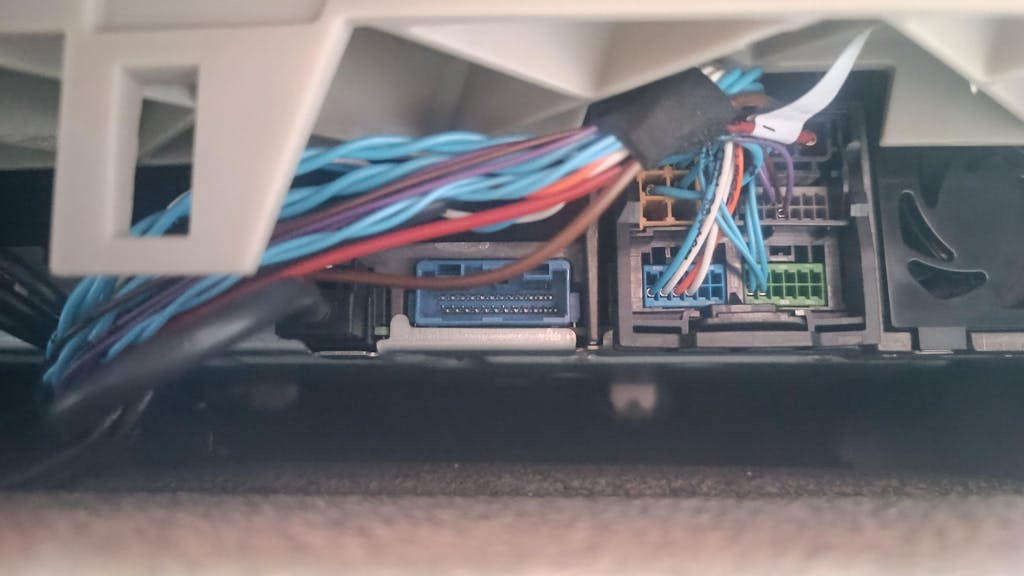
Encaja perfectamente con los cables de origen y se mantiene todas las funciones
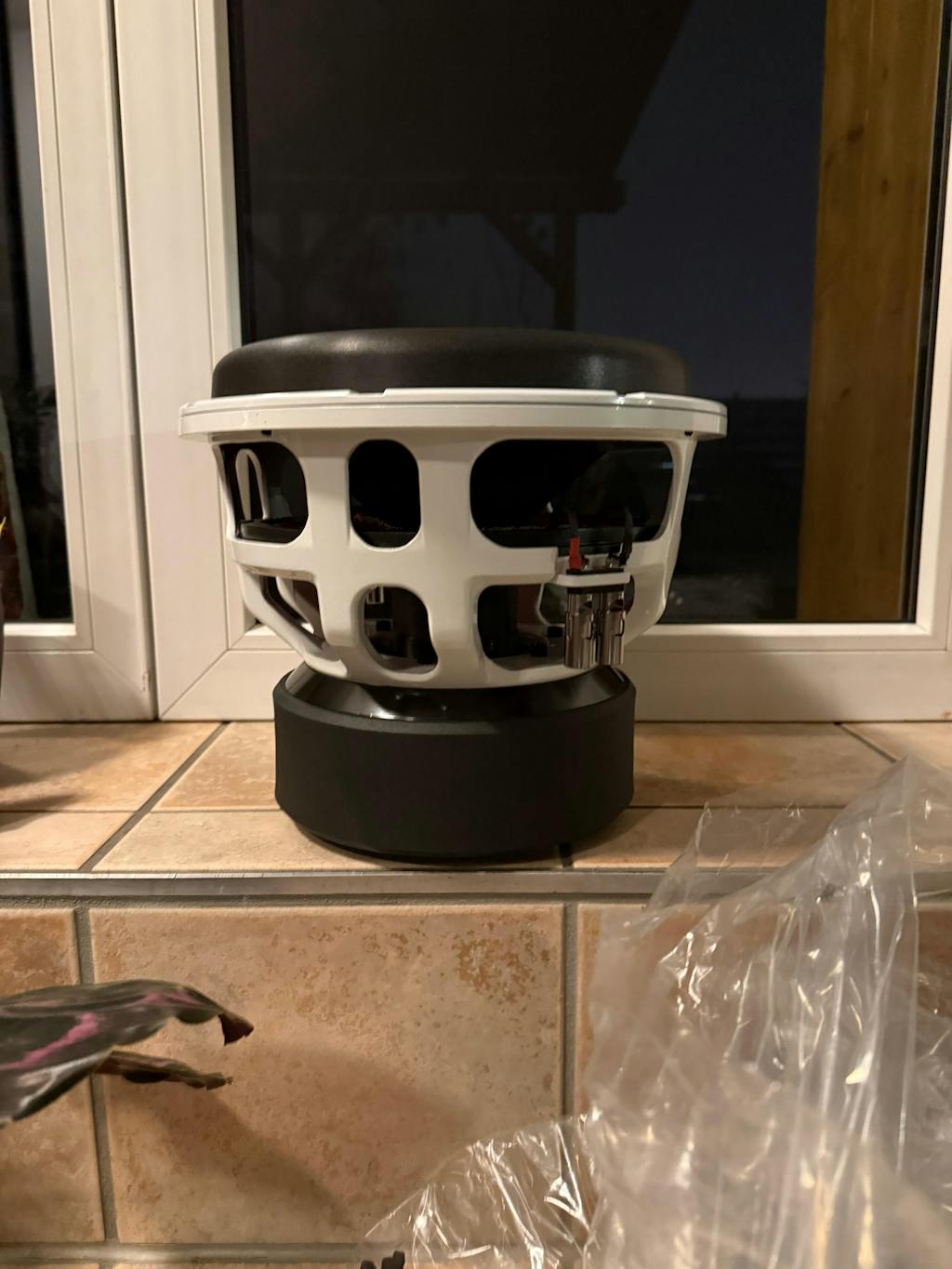
Nachdem ich mit meinem Bass Habit Elite 300 zufrieden war jedoch noch etwas mehr wollte bin ich auf dieses gute Stück gekommen.
Beim auspacken bin ich direkt von dem massiven Magneten und der guten Verarbeitung überwältigt gewesen.
Getestet habe ich ihn bisher mit einem Deaf Bonce Atom 3.5k Verstärker.
Das Teil ist der absolute Hammer und einfach eine Macht.
Preis-Leistung stimmt hier definitiv !
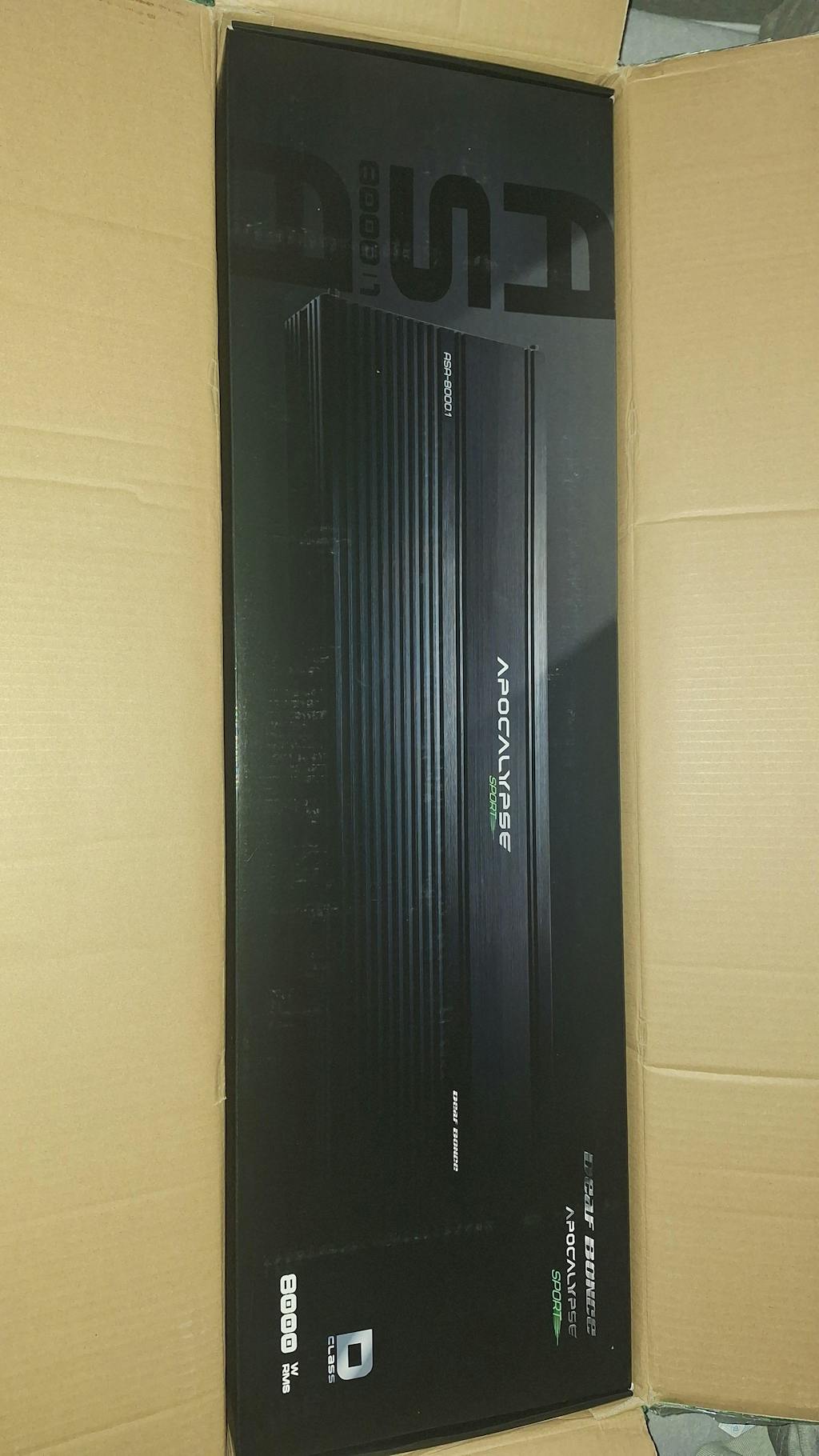
Schnell angekommen und in einwandfreiem Zustand 😉
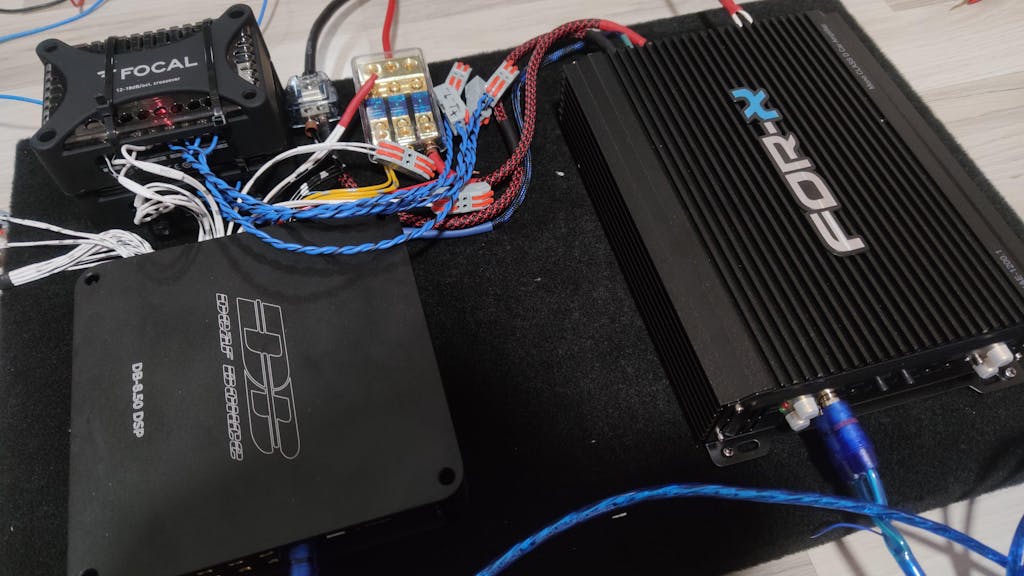
This is my first DSP amplifier. It have good build quiality, i use it together with Focal EVO PS, and sound is really good. Cant compare with something else but i like it a lot.
For price around 400 this is very solid DSP, but if you spent more you could get HELIX and it will have better configuration software, at least in helix soft, you could copy paste eq properties from REW. Here you need to set all manually one by one.
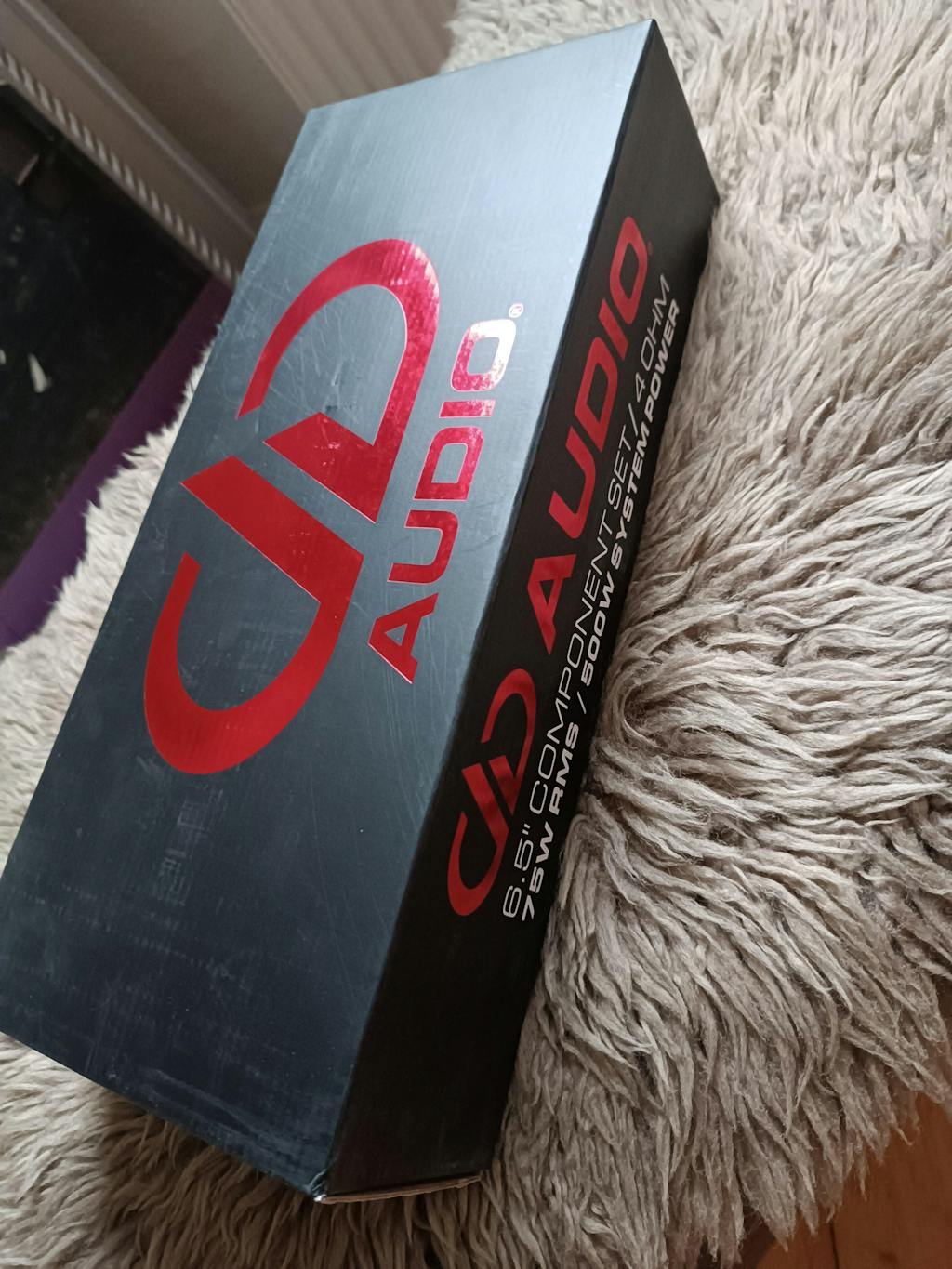
Sehr schöner kick Bass und starke Höhen, sehr laut noch dazu, klare Kaufempfehlung.
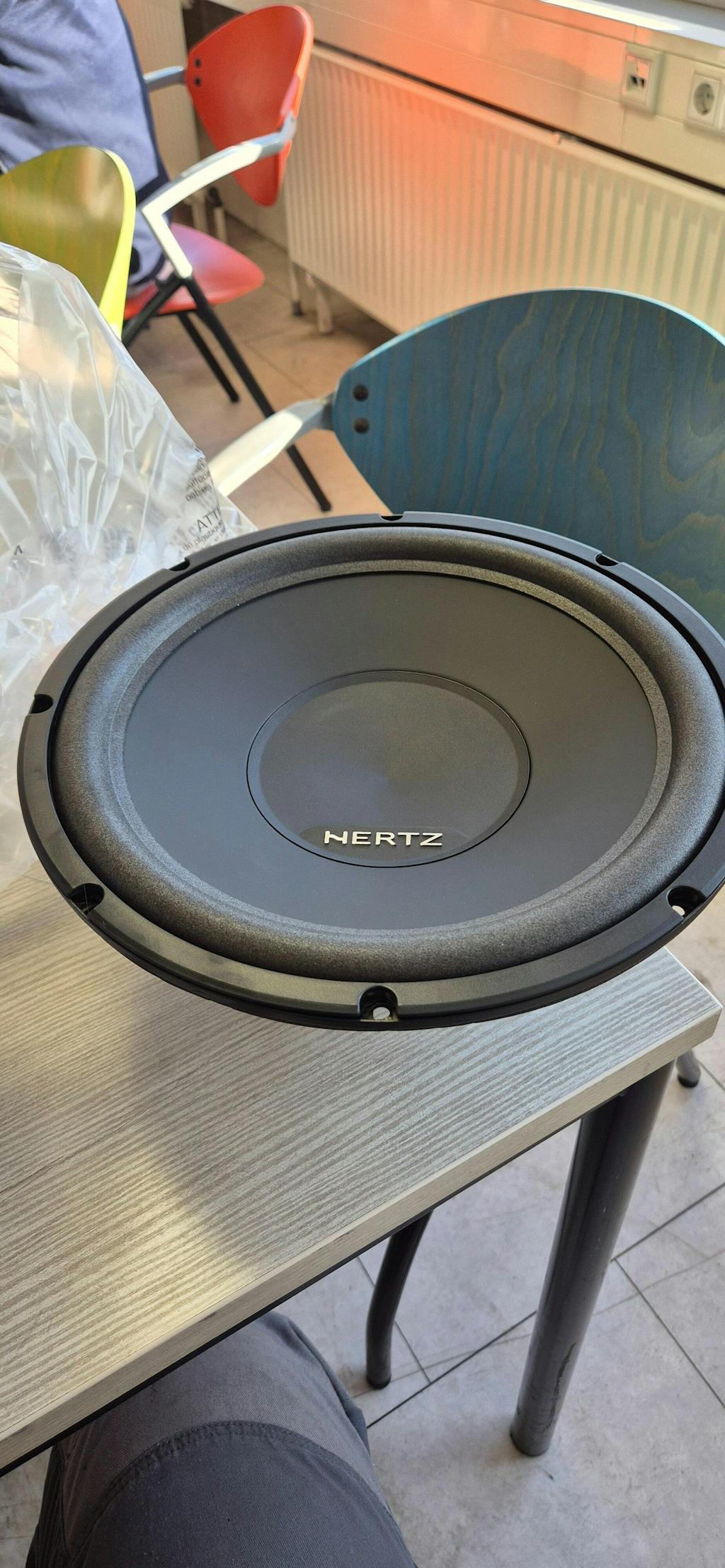
It's playing in an old, not ideally suited, sealed box. Just don't had the time to calculate and build a descent box.
But it's plays like it's on fire! Really satisfied with it! Never expected this for this price!
Really musical, really clean, pretty loud but tight.
Would reccomend 10/10.
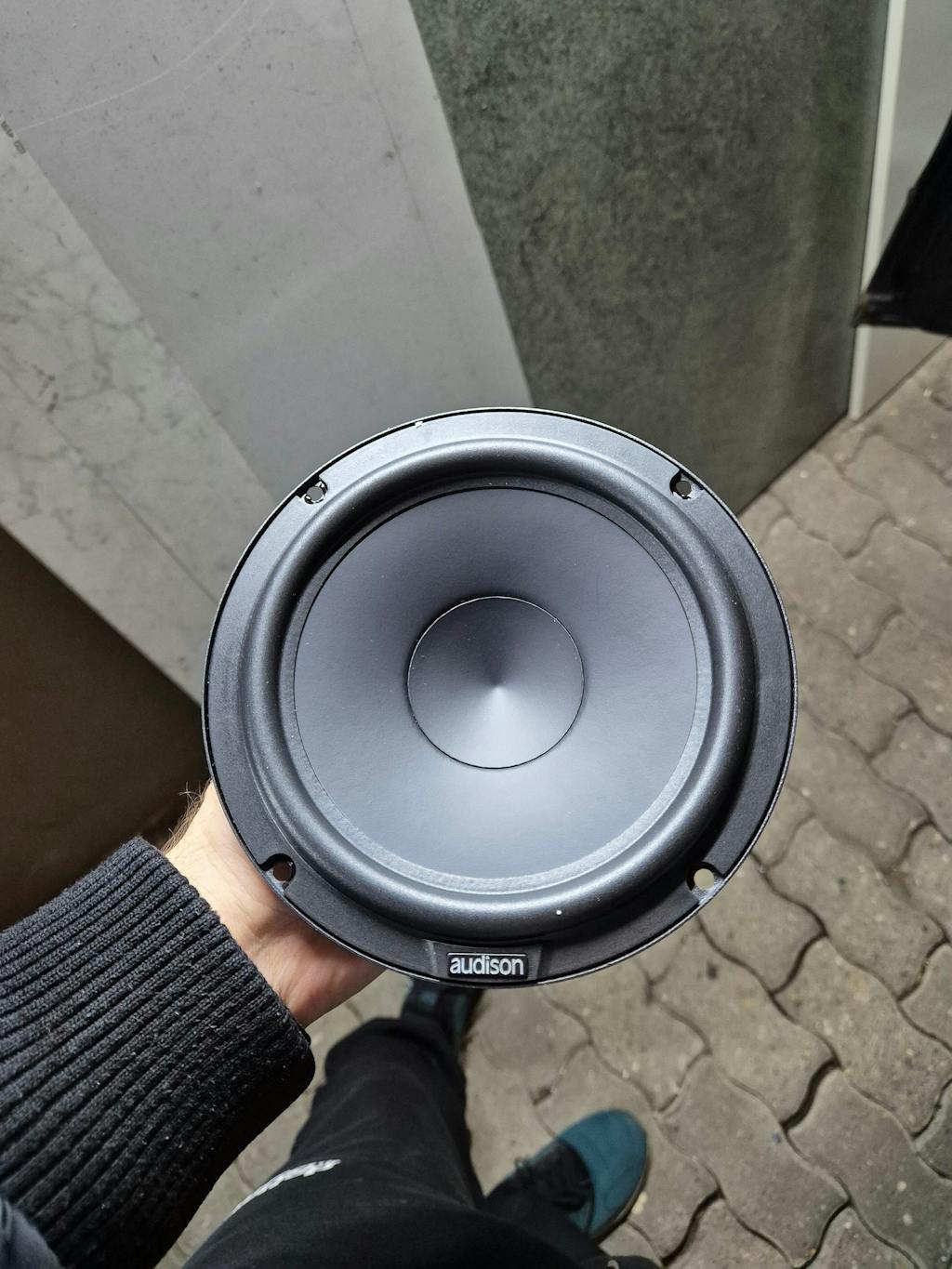
Toller Lautsprecher mit sattem Bass und tollem Klang
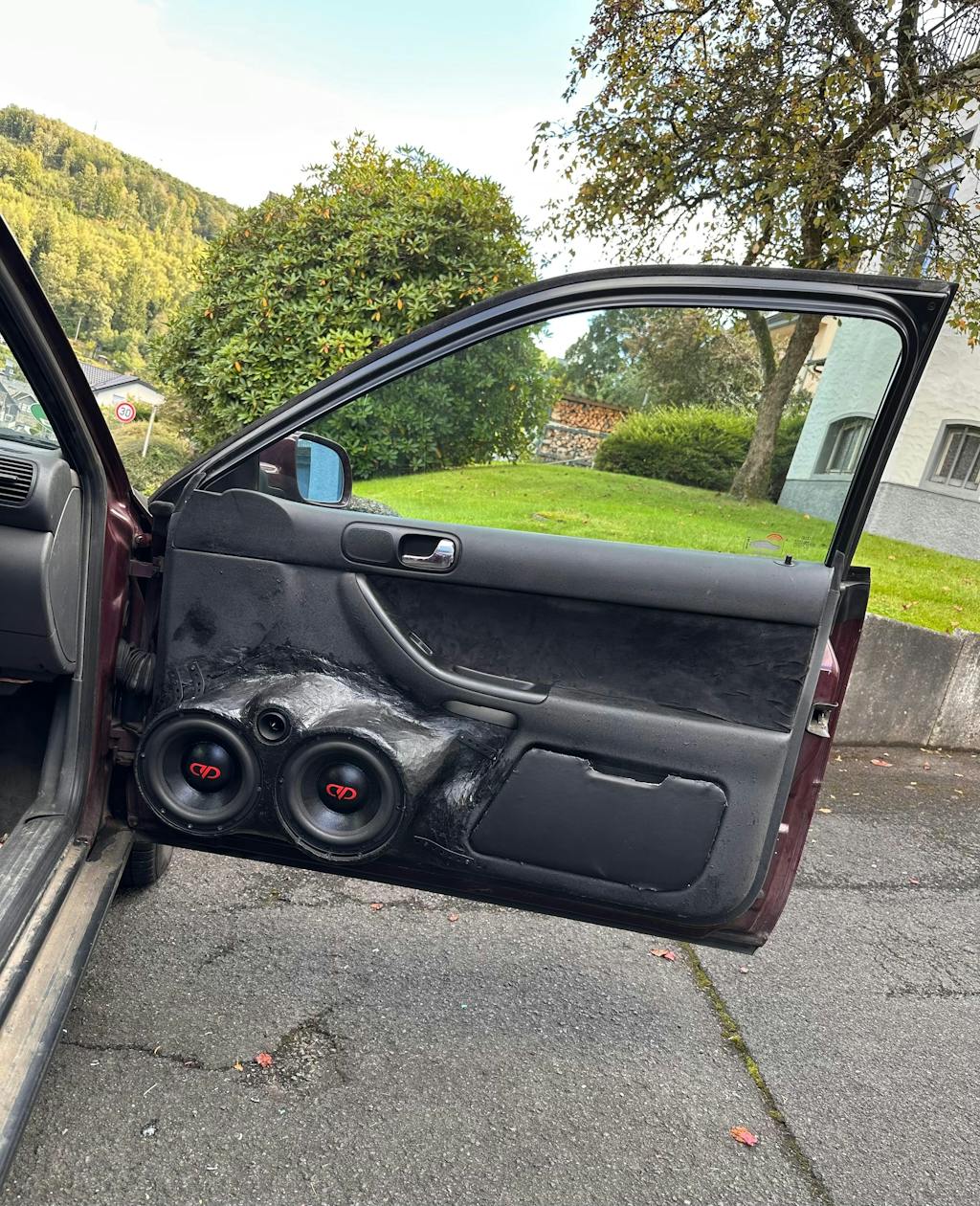
Habe 2 Stück pro Tür verbaut.
Super Klang, super Druck.
Würde ich so weiterempfehlen und würde ich mir immer wieder kaufen.
Sie wurden mir durch euch angeboten und es war eine super Entscheidung. Danke dafür.
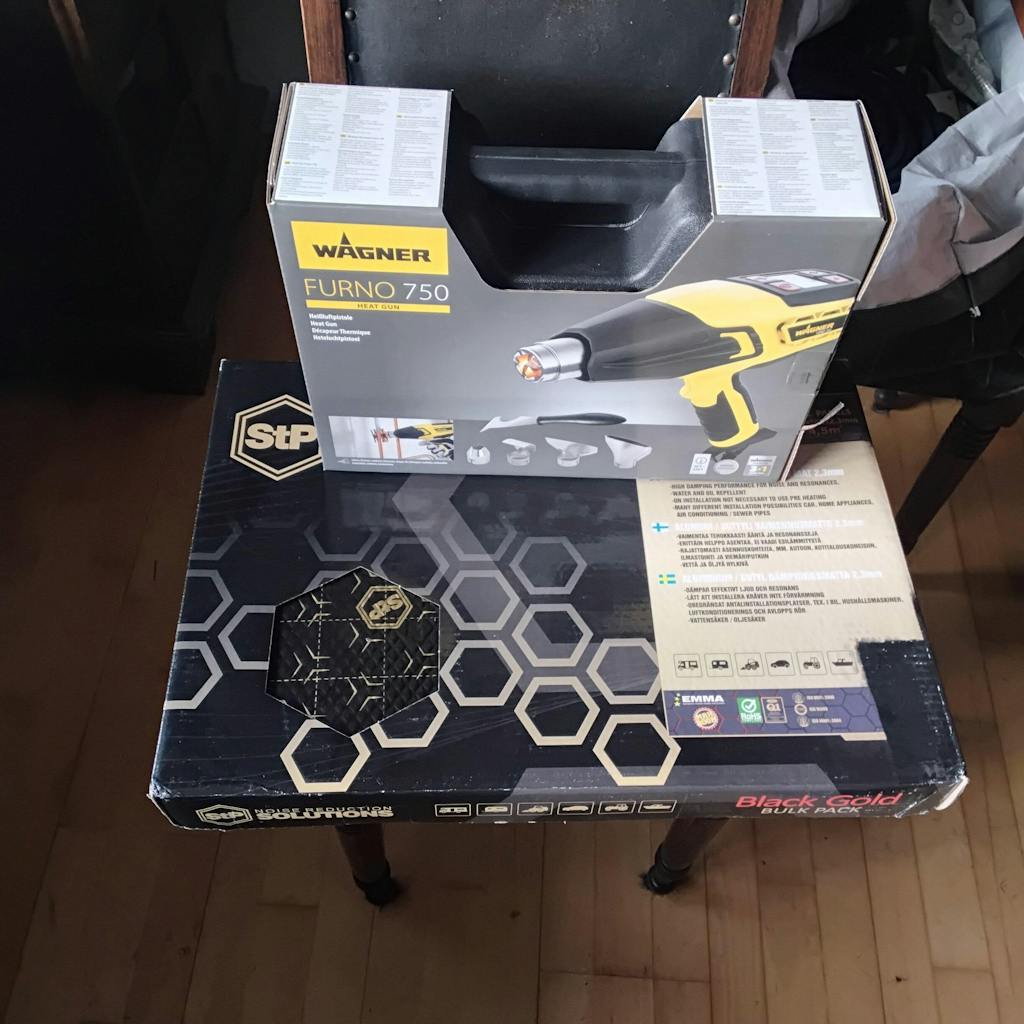
5 star for masori for always deliver quality materials. This time i went With the low price guarantee which they provide. I provided a screenshot of cheaper stp bulk Pack from germany to.
The money refund Was back 3 days later.
Only Thing missing Was the small pack of candy teddybears and a item send of Their choice from their shop.
This 2 things Will not lead to fewer stars in my opinion masori.de should have a special 5++ star for their awesome shop and customer behaviour.
Love you masori my car is full equipped with lots of quality from you.
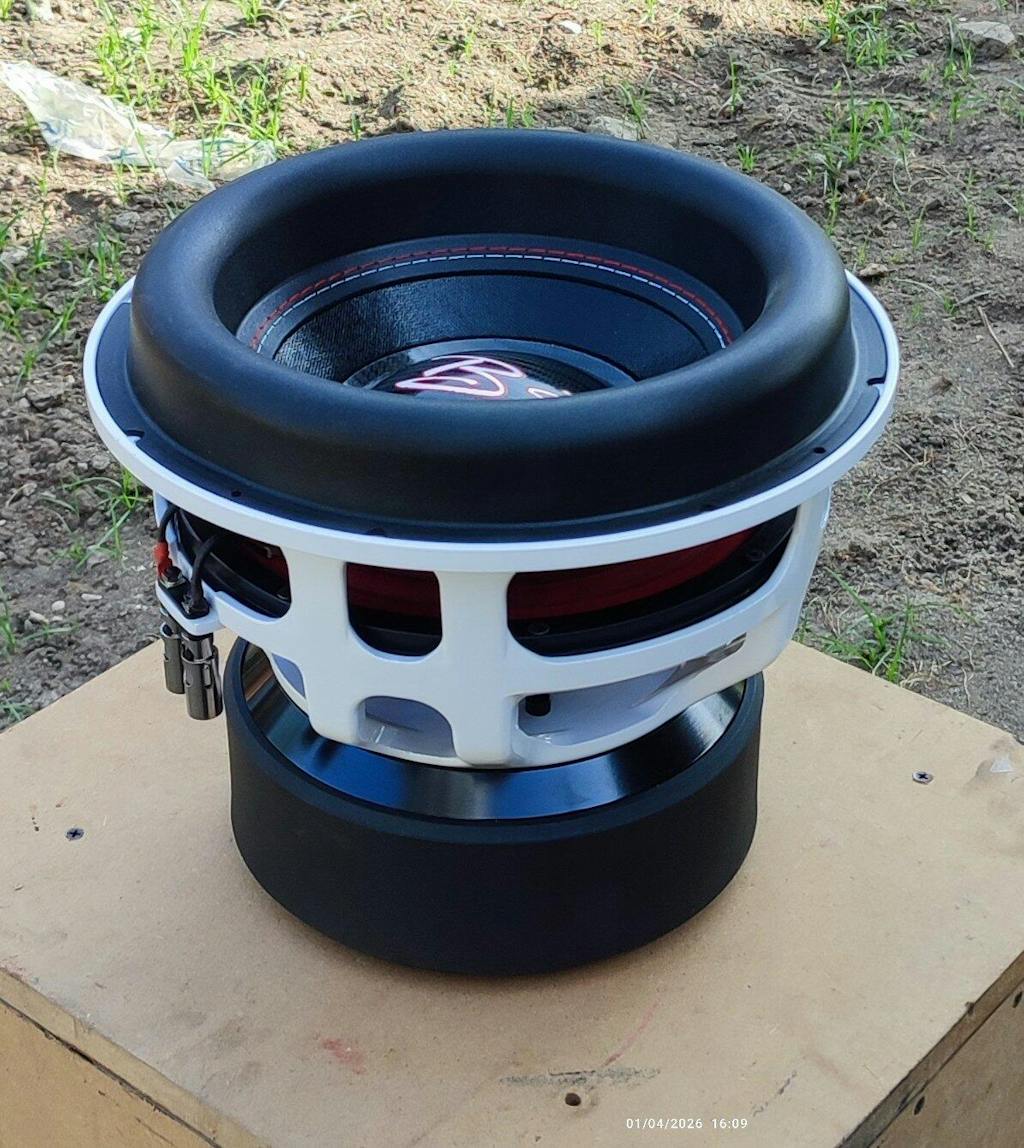
Truly a nice looking sub, impressive performance, definitely I will order another B2 Rage 12v4. I hope you will update these images to the correct ones. (Actual images should attract buyers more)
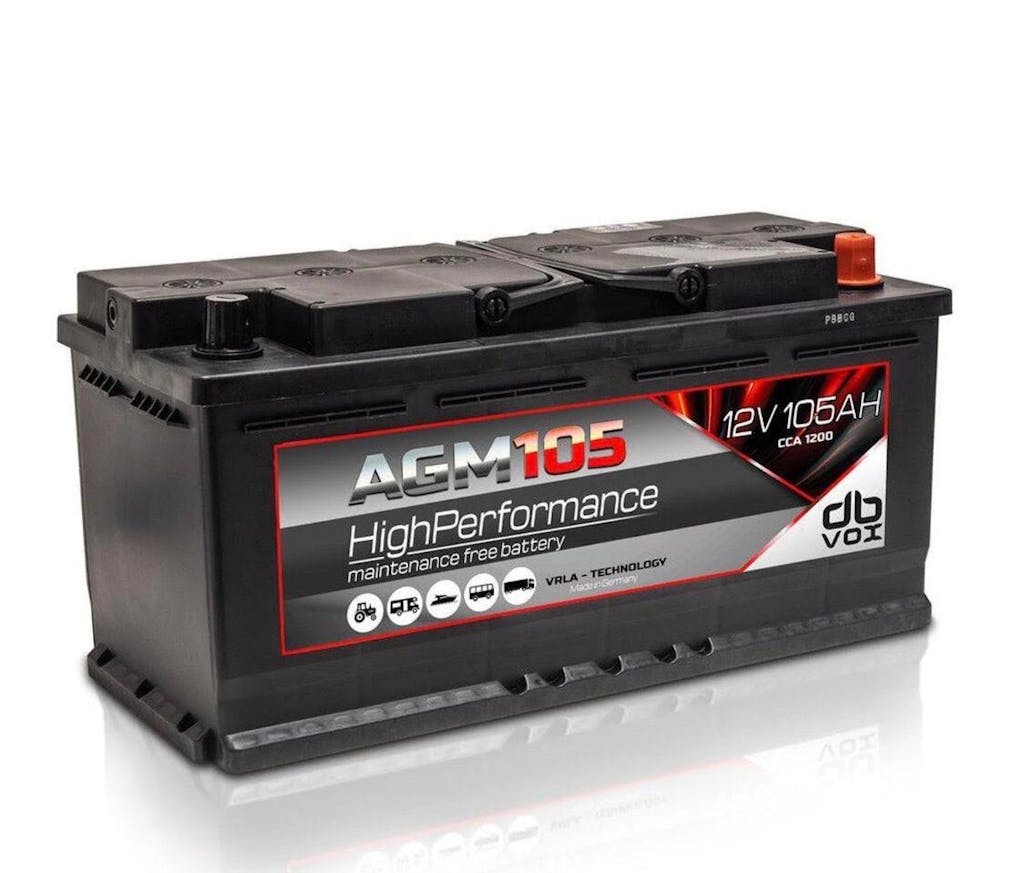
Very good quality. 1200 CCA is more than enough to power my 1500W amplifier and have my electronics connected with out draining battery and no more power draining.
Ottimo prodotto, spedizione velocissima. Grazie
Ottimo prodotto
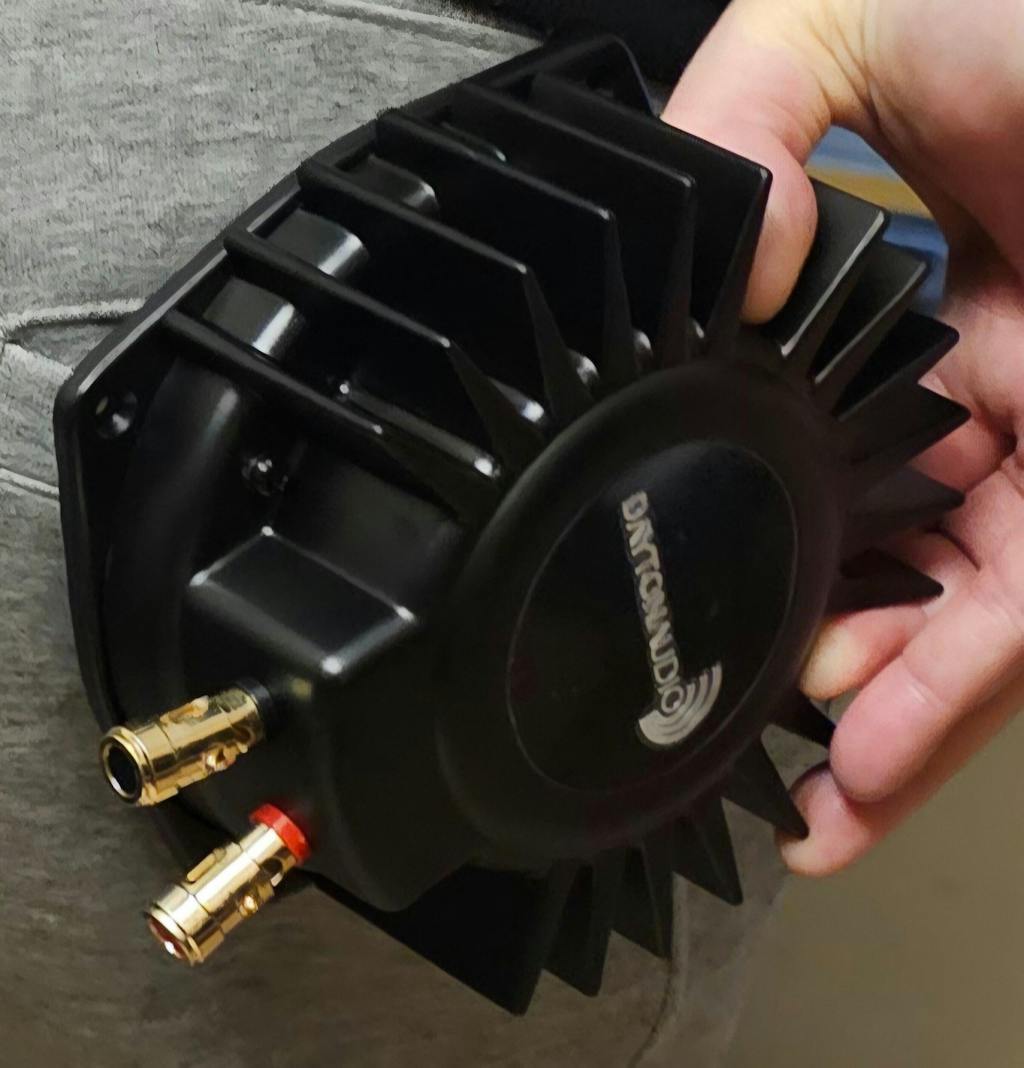
Tienen una calidad muy buena, se ven muy bien construidos y la experiencia sube a otro nivel utilizando los shakers!
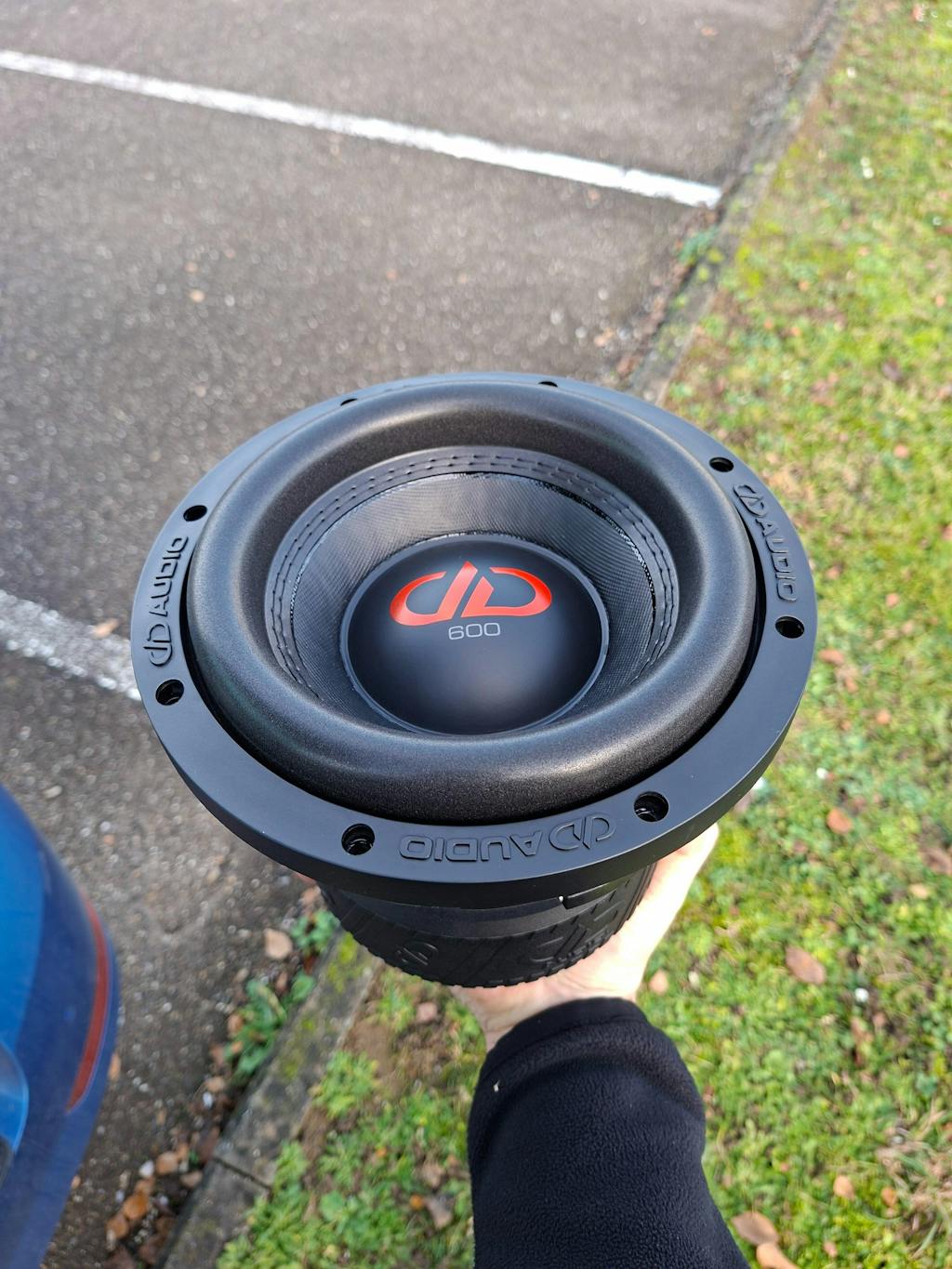
Beste prijzen top materiaal.
Ik kan alleen maar zeggen dat Masori place to be is voor al uw audio producten.
1ste keer besteld uit België.
Ask a question about SPA500DSP

Subwoofer Complete Sets - Stress-Free Bass Upgrade
- Ready to install with everything you need
- Perfect compatibility
- Easy installation
Recently viewed products


