ACV LFB Honda 17Pin/20Pin Klimatronik steering wheel remote control


ACV LFB Honda 17Pin/20Pin Klimatronik steering wheel remote control
- Analog, 17-pin Honda connector, 5-pin display, OEM sound system. Suitable for Honda Civic, Civic Hybrid, various models. Signals: steering wheel remote control, amp remote, OEM sound system.
- Mehr technische Details
 Bequem in 12 zinsfreien Raten à
€9,08
mit
Klarna
zahlen.
Bequem in 12 zinsfreien Raten à
€9,08
mit
Klarna
zahlen.

Availability for pickups could not be loaded.
Shipping cost calculator
Shipping cost calculator
Warranty & additional device protection for your Hi‑Fi system

Rob

Max
Not sure if this product fits your car?
We help you — quickly, personally and without obligation.
Fill out the form and we will send you a personalized offer
This product is not universally compatible. Send us your vehicle data and we will check the fit for your model free of charge.

LFB Honda 17Pin/20Pin Klimatronik by ACV
If you want to replace your factory radio with an aftermarket radio, you should ensure that the original steering wheel remote control functions are retained.
However, please note that depending on the vehicle equipment, functionality, and software of the retrofit device, certain operating functions may be omitted or replaced by other functions.
Compare the illustrated plugs of the adapter with those in your vehicle and ensure that they fit visually and technically.
Please also check if one of the specified original factory radios was installed in your vehicle.
Before you permanently install the retrofit radio, we recommend that you check the functions of your vehicle, the vehicle settings, and the steering wheel remote control for functionality to ensure that everything works smoothly.
Note
- Analog
- Connection: 17 Pin / 20 Pin Honda Connector
- Connection: 5 Pin / 10 Pin Display
- Vehicles with climate control display on the top display
- Vehicles without OEM navigation with color monitor
- Date/Time settings supported
- OEM Soundsystem supports
- blue: +12V Amp Remote
Suitable for the following vehicles
- Honda Civic (FN/FD/FG/FA/FK) 09/2005 - 12/2011
- Honda Civic Hybrid (FD3) 04/2006 - 10/2010
The following signals are provided.
- steering wheel remote control
Connection cable for the following radio manufacturers
- LFB Cable 42s/acv > Alpine Jack: 42ctalpinelead
- LFB Cable 42s/acv > Parrot 4 Pin: 42ctasteroidlead
- LFB Cable 42s/acv > Bosch-Blaupunkt >2010 Mini ISO: 42ctblaupunktlead
- LFB Cable 42s/acv > Blaupunkt/China HU/Kenwood 3 Cable: 42ctchinahulead
- LFB Cable 42s/acv > Clarion Jack: 42ctclarionlead
- LFB Cable 42s/acv > Garmin Vieo" RV52 Stereo Dock 3 Cable: 42ctgarminlead
- LFB Cable 42s/acv > JVC 1 Cable/Jack: 42ctjvclead
- LFB Cable 42s/acv > Kenwood 1 Cable: 42ctkenwoodlead
- LFB Cable 42s/acv > Multilead various devices: 42ctmultilead
- LFB Cable 42s/acv > Multilead various devices/Pioneer 2022>: 42ctmultilead3
- LFB Cable 42s/acv > Multilead various devices/Pioneer 2022>: 42ctmultilead5
- LFB Cable 42s/acv > Panasonic 1 Cable: 42ctpanasoniclead
- LFB Cable 42s/acv > Blaupunkt/Kenwood/Pioneer Jack: 42ctpioneerlead
- LFB Cable 42s/acv > Pioneer AVH/DMH/SPH 2022> Loose jack: 42ctpioneerlead2
- LFB Cable 42s/acv > Devices with LFB learning function: 42ctsmartlead
- LFB Cable 42s/acv > Blaupunkt/Kenwood/Sony Jack: 42ctsonylead
- LFB Cable 42s/acv > XZent/Zenec 1 Cable: 42ctzeneclead
General Installation Instructions
- Review
- 1: Review of all operating functions and vehicle adjustment functions of the OEM device
- 2: Carry out the disassembly of the OEM device without voltage.
- 3: Check all interface connections for correctness and continuity without voltage.
- Connection and connection sequence
- 1: Make settings and hardware configuration of the interface without voltage
- 2: Check configuration of the radio connection cable
- 3: Connect the radio connection cable according to the operating instructions of the retrofit device.
- 4: Connect all other connections according to the operating instructions of the retrofit device.
- 5: Connection of the entire installation to the vehicle with live connection last
- 6: Software configuration of the interface according to the instructions in the article text and in the BDA
- 7: Configuration of the retrofit device according to the operating instructions of the retrofit device steering wheel remote control/camera/telephone hands-free system/antenna phantom power supply and more
- 8: Function test steering wheel remote control and vehicle
- Changes to the hardware configuration of the interface and the radio connection cable
- 1: Carry out changes without voltage
- 2: Connection after change see above 5 to 8
- In case of malfunction of the interface or the vehicle
- 1: Reversion to the OEM device
- 2: Operate OEM device
- 3: Establish CAN Bus idle
- 4: Review of the hardware configuration of the interface
- 5: Connection to CAN Bus idle see above 5 to 8
- The connections, connection changes, alternative connections, connections of loose cables, or connection extensions of loose cables specified in the instructions or the operating manual are intended solely for orientation and information for trained professionals.
- Further connections, changes to the cable configuration of the wiring harness, or use of alternative connections or connection extensions.
- 1: Connections and modifications are to be carried out exclusively by trained professionals.
- 2: Connections and modifications must be checked for any manufacturer approvals or any manufacturer warranty conditions that may be affected by the modifications before connection.
- 3: Connections and modifications must be checked for functionality and accuracy before connection by measuring and by matching against the vehicle's wiring diagram.
- 4: Connections and modifications are made at your own risk without any guarantee of functionality.
- 5: Connections and modifications are made at your own risk without any guarantee against damage to the vehicle, the retrofit device, or the interface.
- 6: Modifications to the pre-assembled wiring harness may result in the expiration of the product warranty.
ACV LFB Honda 17Pin/20Pin Klimatronik Datenblatt
Frequent questions about LFB Honda 17Pin/20Pin Klimatronik
Welche technischen Spezifikationen hat der LFB Honda 17Pin/20Pin Klimatronik Adapter?
Welche technischen Spezifikationen hat der LFB Honda 17Pin/20Pin Klimatronik Adapter?
Wie überprüfe ich die Funktionsfähigkeit der Lenkradfernbedienung beim LFB Honda 17Pin/20Pin?
Wie überprüfe ich die Funktionsfähigkeit der Lenkradfernbedienung beim LFB Honda 17Pin/20Pin?
Welche Radiohersteller sind mit dem LFB Honda 17Pin/20Pin Klimatronik Adapter kompatibel?
Welche Radiohersteller sind mit dem LFB Honda 17Pin/20Pin Klimatronik Adapter kompatibel?
Wie installiere ich den LFB Honda 17Pin/20Pin Klimatronik Adapter korrekt?
Wie installiere ich den LFB Honda 17Pin/20Pin Klimatronik Adapter korrekt?
Unterstützt der LFB Honda 17Pin/20Pin Klimatronik Adapter Fahrzeuge ohne OEM Navigation?
Unterstützt der LFB Honda 17Pin/20Pin Klimatronik Adapter Fahrzeuge ohne OEM Navigation?
Welche Schritte sind bei einer Fehlfunktion des Adapters zu beachten?
Welche Schritte sind bei einer Fehlfunktion des Adapters zu beachten?
Kann ich den LFB Honda 17Pin/20Pin Klimatronik Adapter selbst modifizieren?
Kann ich den LFB Honda 17Pin/20Pin Klimatronik Adapter selbst modifizieren?
Welche Pinbelegung hat der LFB Honda 17Pin/20Pin Klimatronik Adapter?
Welche Pinbelegung hat der LFB Honda 17Pin/20Pin Klimatronik Adapter?
Welche Tipps gibt es für die Kompatibilität und Installation in Honda Modellen?
Welche Tipps gibt es für die Kompatibilität und Installation in Honda Modellen?
Welche Fahrzeugfunktionen unterstützt der LFB Honda 17Pin/20Pin Klimatronik Adapter?
Welche Fahrzeugfunktionen unterstützt der LFB Honda 17Pin/20Pin Klimatronik Adapter?
Herstellerinformation/verantwortliche Person
Herstellerinformation/verantwortliche Person
Let customers speak for us
Ottimo prodotto
Ottimo prodotto
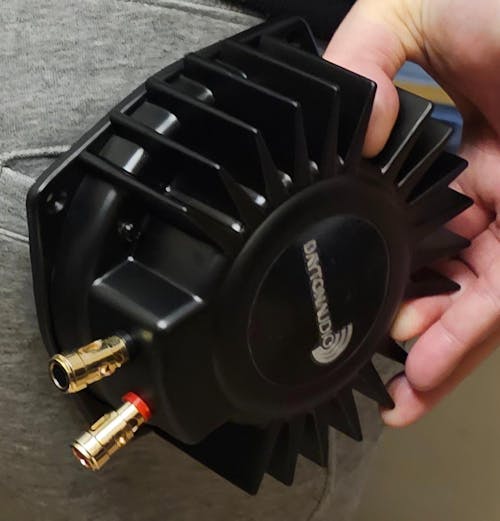
Tienen una calidad muy buena, se ven muy bien construidos y la experiencia sube a otro nivel utilizando los shakers!
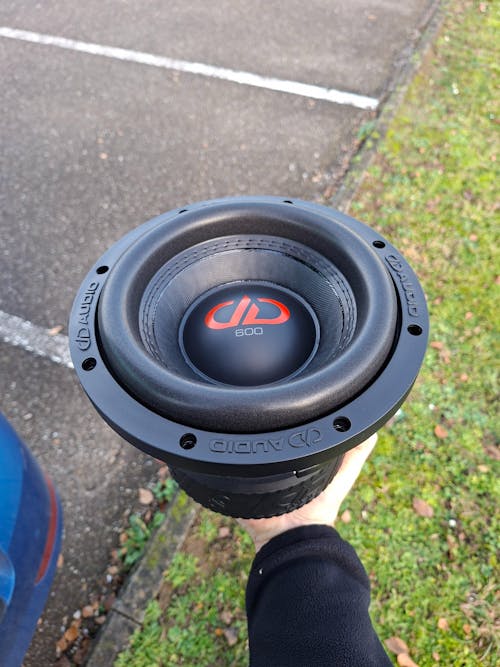
Beste prijzen top materiaal.
Ik kan alleen maar zeggen dat Masori place to be is voor al uw audio producten.
1ste keer besteld uit België.
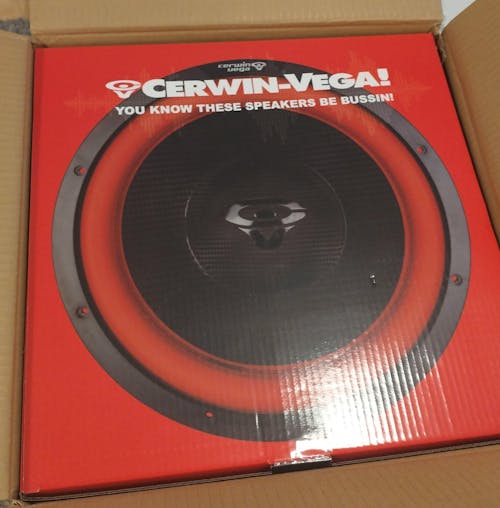
Massive 4 inch voice coil and ton of power handling, great venting around voice coil, also this vega series has black voice coils. Price/value ratio is very high with vega series.
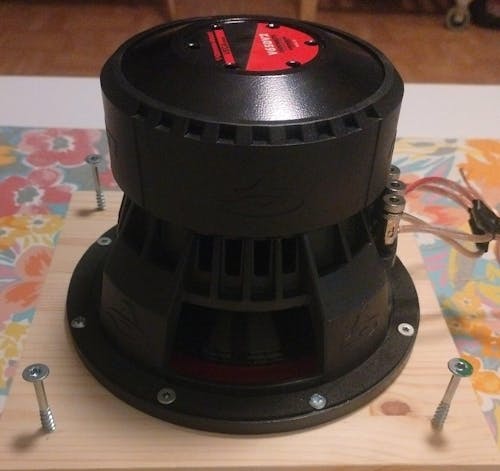
What a Minimonster, 18Liter ported box,tuned to 32hz and plays very loud and even good on lows. Even when i'm underpowering and only giving 350-400watts max. I really love this 6,5 monster, also the aluminium basket is very strong and solid and has great venting for the voice coil. Having rubber surround and carbon fiber cone just makes this even more indestructible
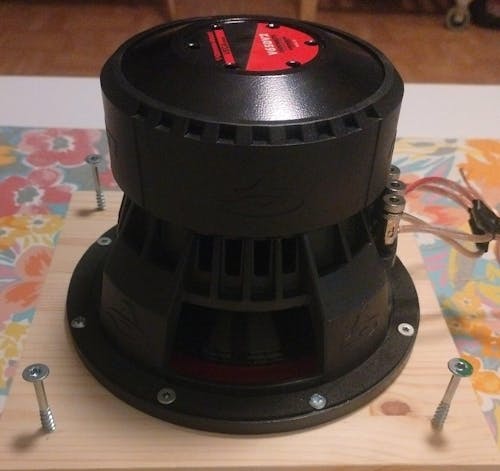
What a Minimonster, 18Liter ported box,tuned to 32hz and plays very loud and even good on lows. Even when i'm underpowering and only giving 350-400watts max. I really love this 6,5 monster, also the aluminium basket is very strong and solid and has great venting for the voice coil. Having rubber surround and carbon fiber cone just makes this even more indestructible

👌 superr
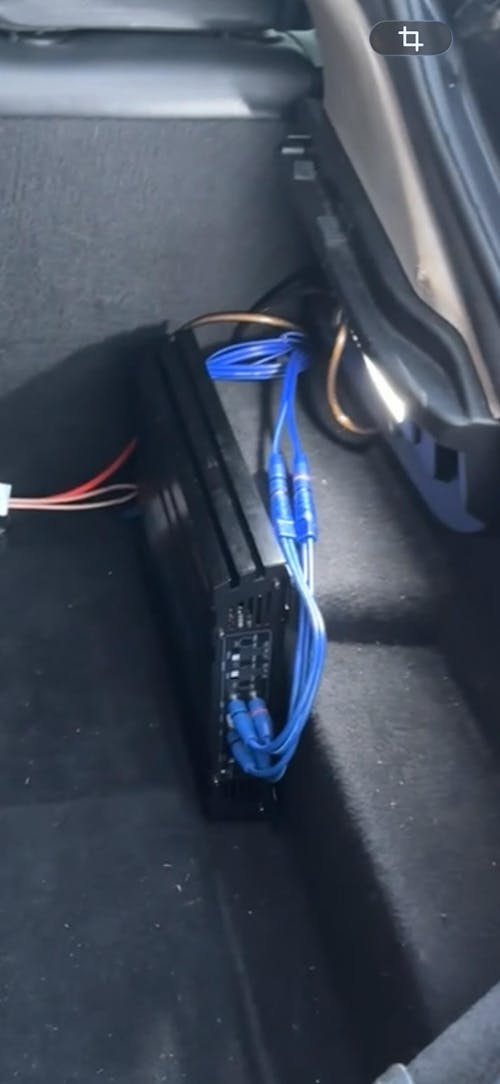
Super Subwoofer mit extrem tiefem Bass. Die Kabel sind dick und hochwertig verarbeitet. Es gibt nichts zu beanstanden. Absolut empfehlenswert.
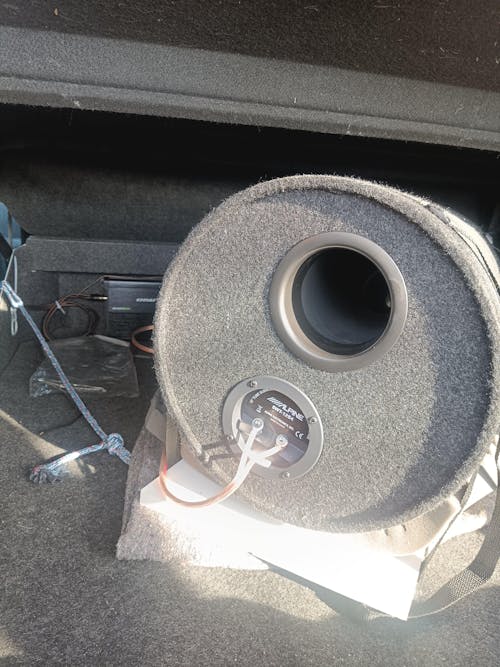
Un sacré caisson de basses , j'ai eu un 46 cm killer 454 de l'époque année 90 , qui tapait vraiment bien , mais ce tube est bien plus fort et plus ample, toutes les basses passent sans problème, avec une télécommande à réglage multiples taramps eq bass , et un ampli Machete de masori , le couple est parfait, personnellement j'en ai deux tubes et ça donne énormément, avec l'ampli 2 x 530 en 4 ohms . Parfois le plus simple est bien meilleur et plus durable .
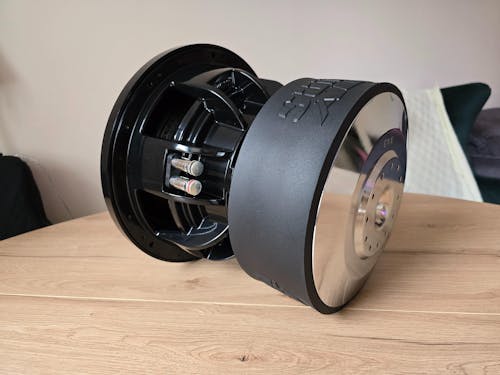
Hallo. Sehr freundlicher Kundenservice und schnelle Auftragsabwicklung. Der Lautsprecher ist brandneu und unbenutzt. Ich habe ihn vor einiger Zeit gekauft, aber erst kürzlich das Gehäuse fertiggestellt. Die Parameter entsprechen den Herstellerangaben: 42,5 Liter Nettovolumen, abgestimmt auf 32 Hz und 21 mm starkes Sperrholz. Ich hatte noch nie einen 10-Zoll-Lautsprecher und wusste nicht, was mich erwartet, aber das Ergebnis hat meine kühnsten Erwartungen übertroffen. Der Bass aus einem so kleinen Lautsprecher in einem so kleinen Gehäuse ist einfach unglaublich. Um den X-10 zu kaufen, habe ich meinen DD 712f in einem 70-Liter-Gehäuse verkauft, und der war ein Volltreffer. Der Sundown ist in jeder Hinsicht besser. Ich kann diesen Lautsprecher und den Händler, bei dem ich ihn gekauft habe, wärmstens empfehlen. Beste Grüße.
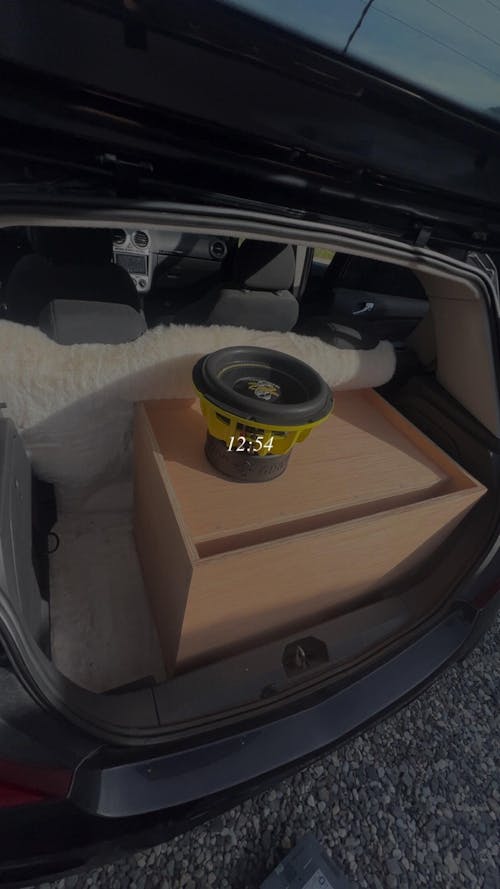
Est arrivé à la maison très rapidement 👌🏽
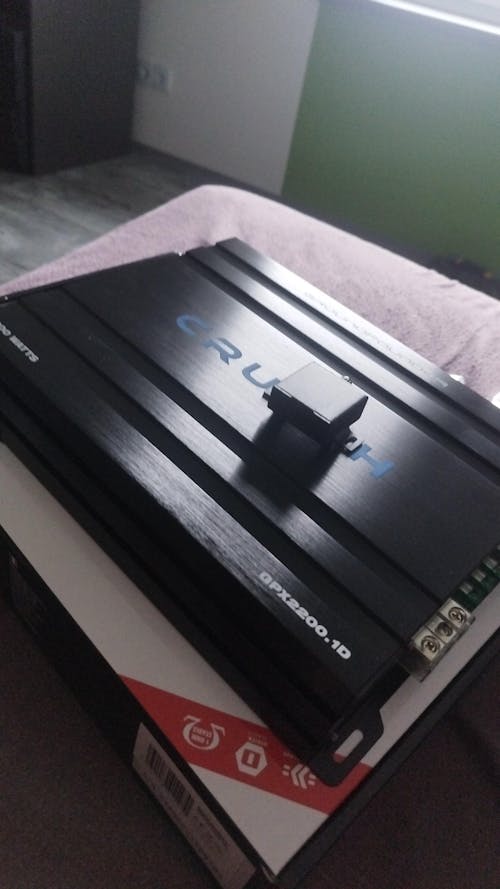
Geht echt gut und leicht zum einstellen
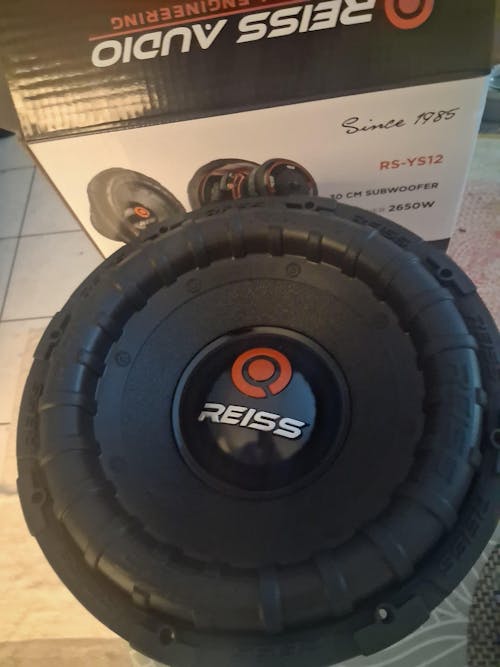
Bonjour, je reçu le colis bien emballé.
Je recommande vivement, la livraison est gratuite et rapide, je recommanderai sûrement encore chez Masori.

Bought again. Great price, fast delivery, nice !
Ask a question about LFB Honda 17Pin/20Pin Klimatronik

Subwoofer Complete Sets - Stress-Free Bass Upgrade
- Ready to install with everything you need
- Perfect compatibility
- Easy installation
Recently viewed products
Your advantages at Masori