


 Germany (€)
Vehicle Search


RC-QE
Technical Highlights
- LCD color display, rotary knob for DSP control, 5m cable.
- Compatible with QE812SP, easy audio management, flexible.
- Optimizes audio experience, facilitates device setup, user-friendly.
- More technical details
 Pay conveniently in 12 interest-free installments at €16,58 with Klarna .

Availability for pickups could not be loaded.



Shipping cost calculator
Shipping cost calculator

Rob

Max
Unsure if this product fits your car?
We help you – quickly, personally, and without obligation.
Fill out the form and we'll send you a personalised offer
This product is not universally compatible. Send us your vehicle details and we will check fitment for your model free of charge.


RC-QE by ESX
The RC-QE from ESX is a DSP Accessories in the form of a remote control. The control of the DSP and the audio player is done via a large rotary knob. A large LCD color display is integrated for function display. Compatibility is provided for the model QE812SP. A 5-meter connection cable is included.
- DSP Accessories
- Remote control with large LCD color display
- Large rotary knob for controlling DSP and audio player
- Compatible with QE812SP
- Includes 5-meter connection cable
Your benefits at Masori





ESX RC-QE Datasheet
Frequently Asked Questions about RC-QE
What technical features does the LCD color display of the ESX RC-QE remote control offer?
What technical features does the LCD color display of the ESX RC-QE remote control offer?
How does the rotary knob on the ESX RC-QE remote control work to control the DSP?
How does the rotary knob on the ESX RC-QE remote control work to control the DSP?
What functions can I control with the ESX RC-QE remote control for the audio player?
What functions can I control with the ESX RC-QE remote control for the audio player?
How compatible is the ESX RC-QE with the QE812SP model?
How compatible is the ESX RC-QE with the QE812SP model?
What advantages does the 5-meter connection cable of the ESX RC-QE offer?
What advantages does the 5-meter connection cable of the ESX RC-QE offer?
What installation tips are there for placing the ESX RC-QE remote control in the vehicle?
What installation tips are there for placing the ESX RC-QE remote control in the vehicle?
How does synchronization between the ESX RC-QE and the QE812SP DSP device occur?
How does synchronization between the ESX RC-QE and the QE812SP DSP device occur?
What technical specifications does the connection cable of the ESX RC-QE have?
What technical specifications does the connection cable of the ESX RC-QE have?
How does the ESX RC-QE remote control ensure maximum user-friendliness?
How does the ESX RC-QE remote control ensure maximum user-friendliness?
What customization options does the ESX RC-QE offer for audio optimization?
What customization options does the ESX RC-QE offer for audio optimization?
How can the ESX RC-QE remote control be used to control both the DSP and the audio player?
How can the ESX RC-QE remote control be used to control both the DSP and the audio player?
Manufacturer information / responsible person
Manufacturer information / responsible person
Let customers speak for us
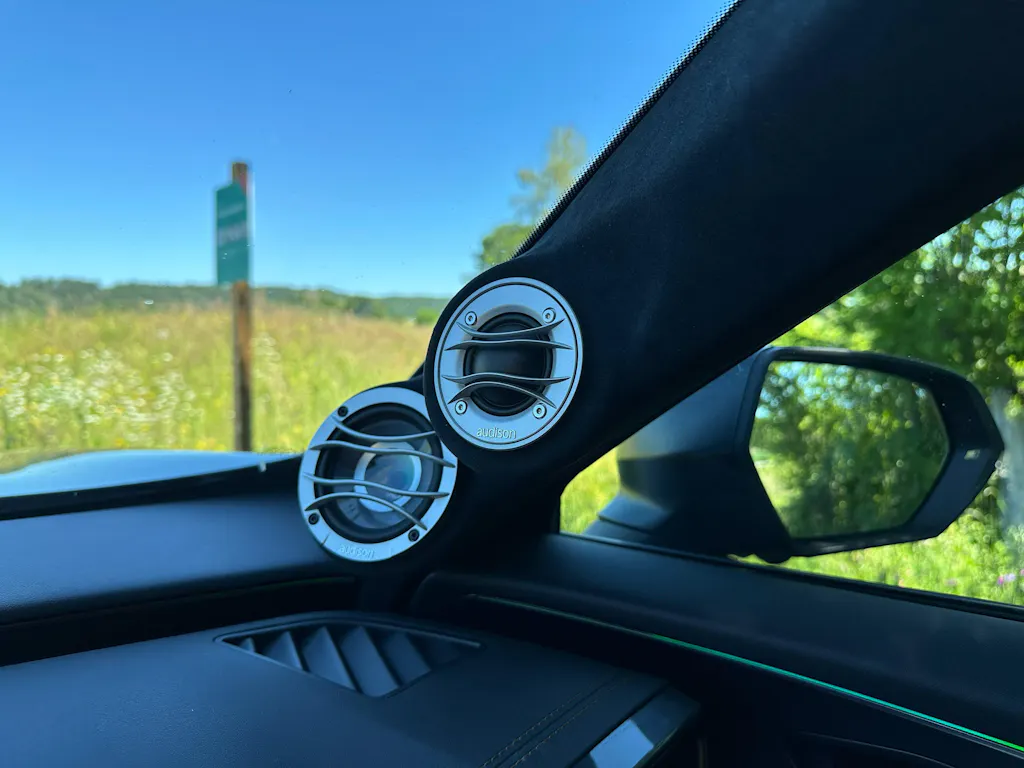
Eingebaut in A-Säule, Klanglich sehr schön, Pegelfest. Bin zufrieden.
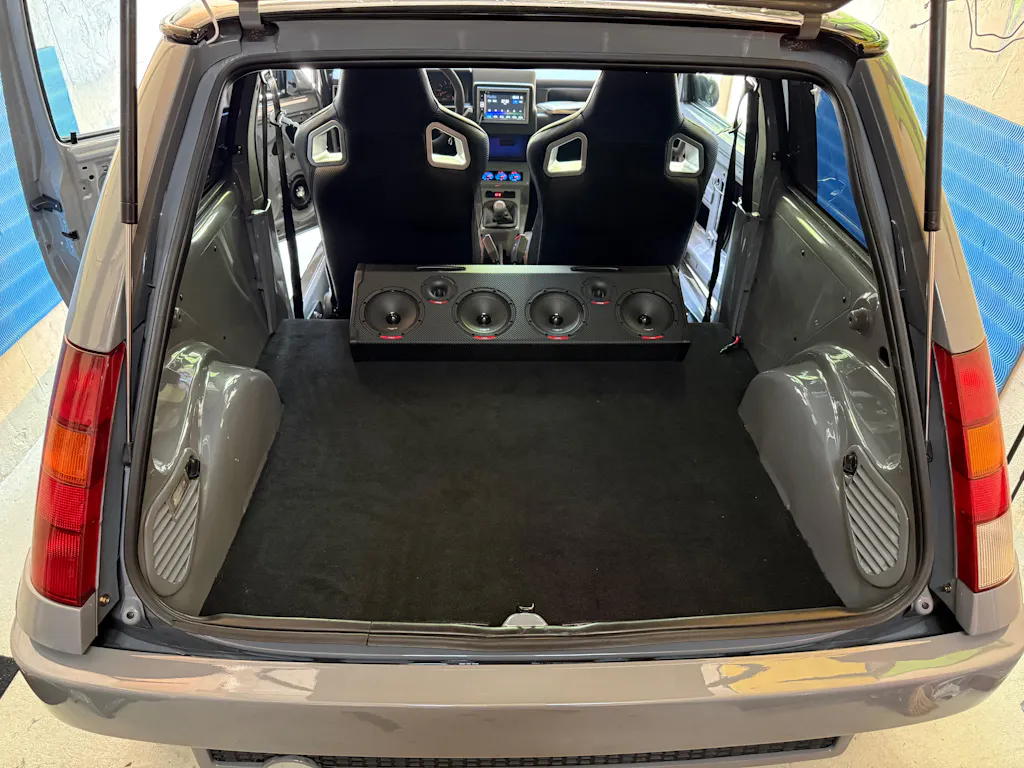
Sehr guter Klang, Top Preis und eine schnelle Lieferung.
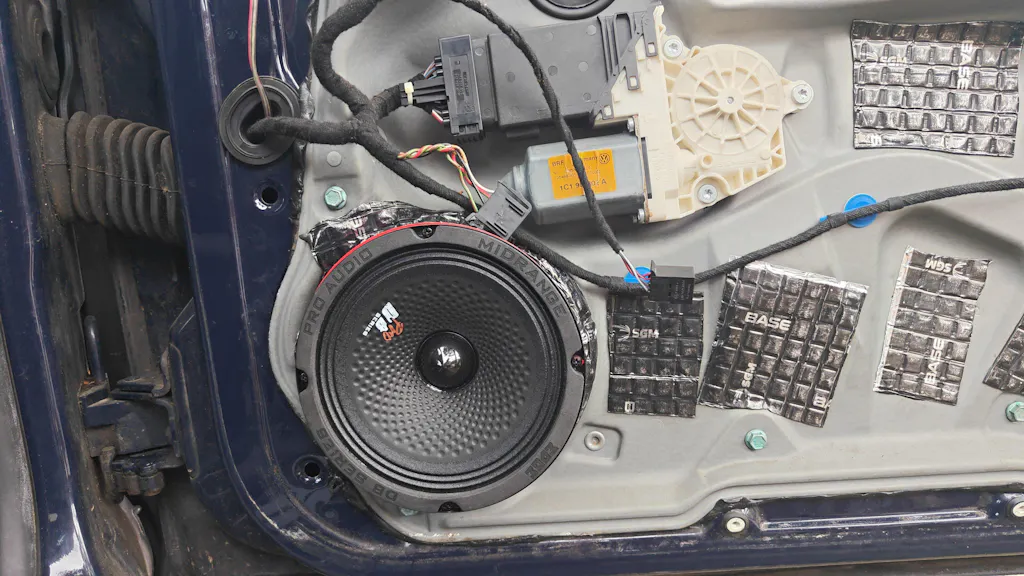
Hören sich gut an!!! hätte ich nicht gedacht in der Preisklasse, vor allem der Pegel hab sie mit paar Axton Hochtönern verbaut und einem Kicker sub im Kofferraum und paar Rainbow Endstufen sauberer lauter klang bin sehr zufrieden mit dem Produkt. Langzeit noch keine Erfahrung da erst zwei Wochen verbaut
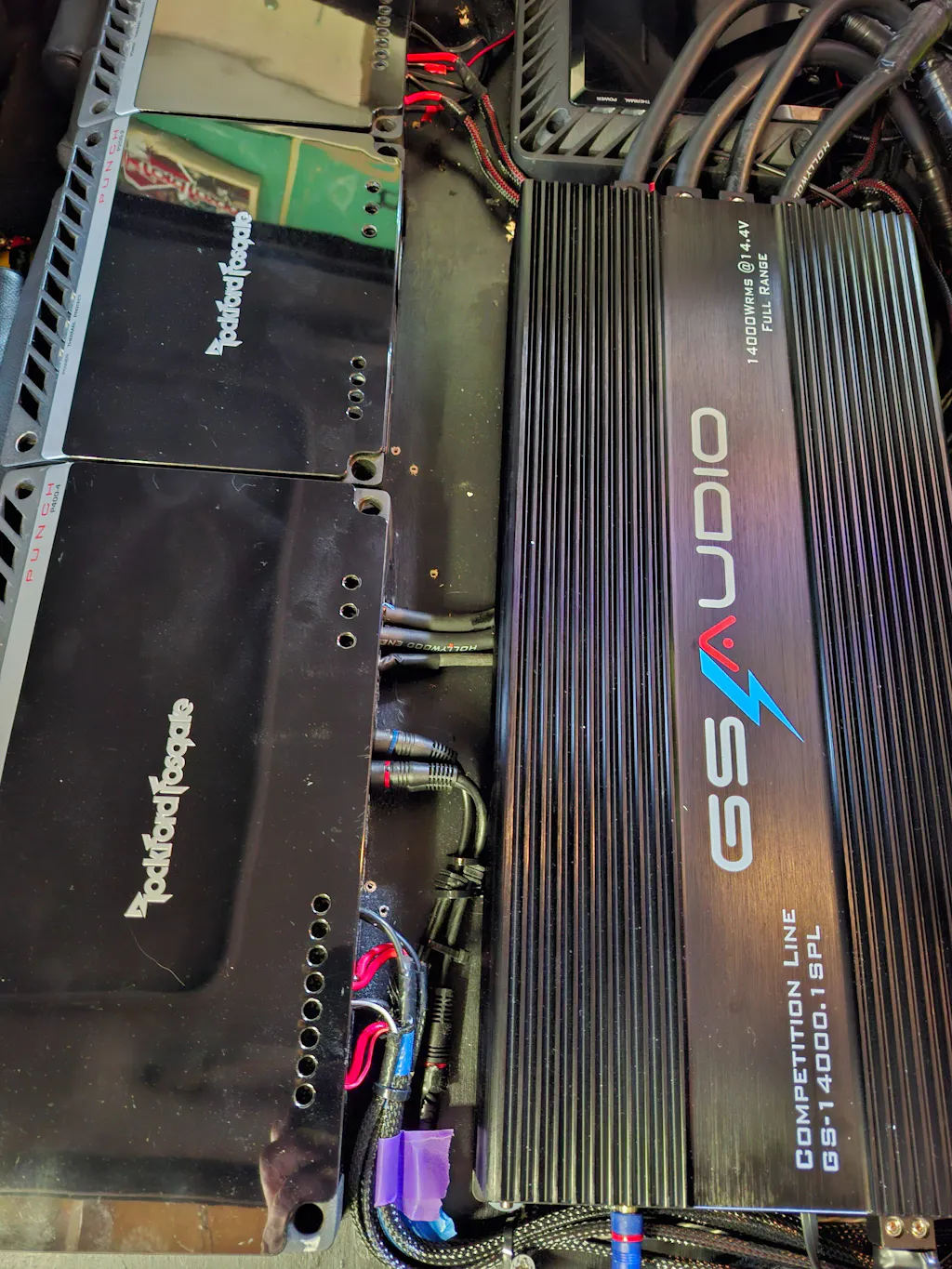
Versterker was goed verpakt, En heb dit beest gelijk getest op volume en klinkt geweldig op mijn subwoofers, Het geluid vervormd niet zelfs op vol volume klinken de bas tonen zuiver, Ben vooral blij dat ik deze versterker gekocht heb. Ik geniet van elke seconde in mijn auto,Ik kon het merk niet van de versterker [gs-audio] maar het is top merk en het is met de hand gemaakt en komt uit Italy is echt goed gemaakt alleen mijn auto heeft het zwaar te verduren alles beweegt, Dus top aankoop gedaan.

muy buena calidad compre todo el conjunto superior, twitter, medios, coaxiales y agudos, una calidad espectacular ahora terminare con los suvwoofer... los rercomiendo

un pack impresionante y ademas lo he conseguido a un precio espectacular ademas el envío es muy rápido y perfectamente embalado
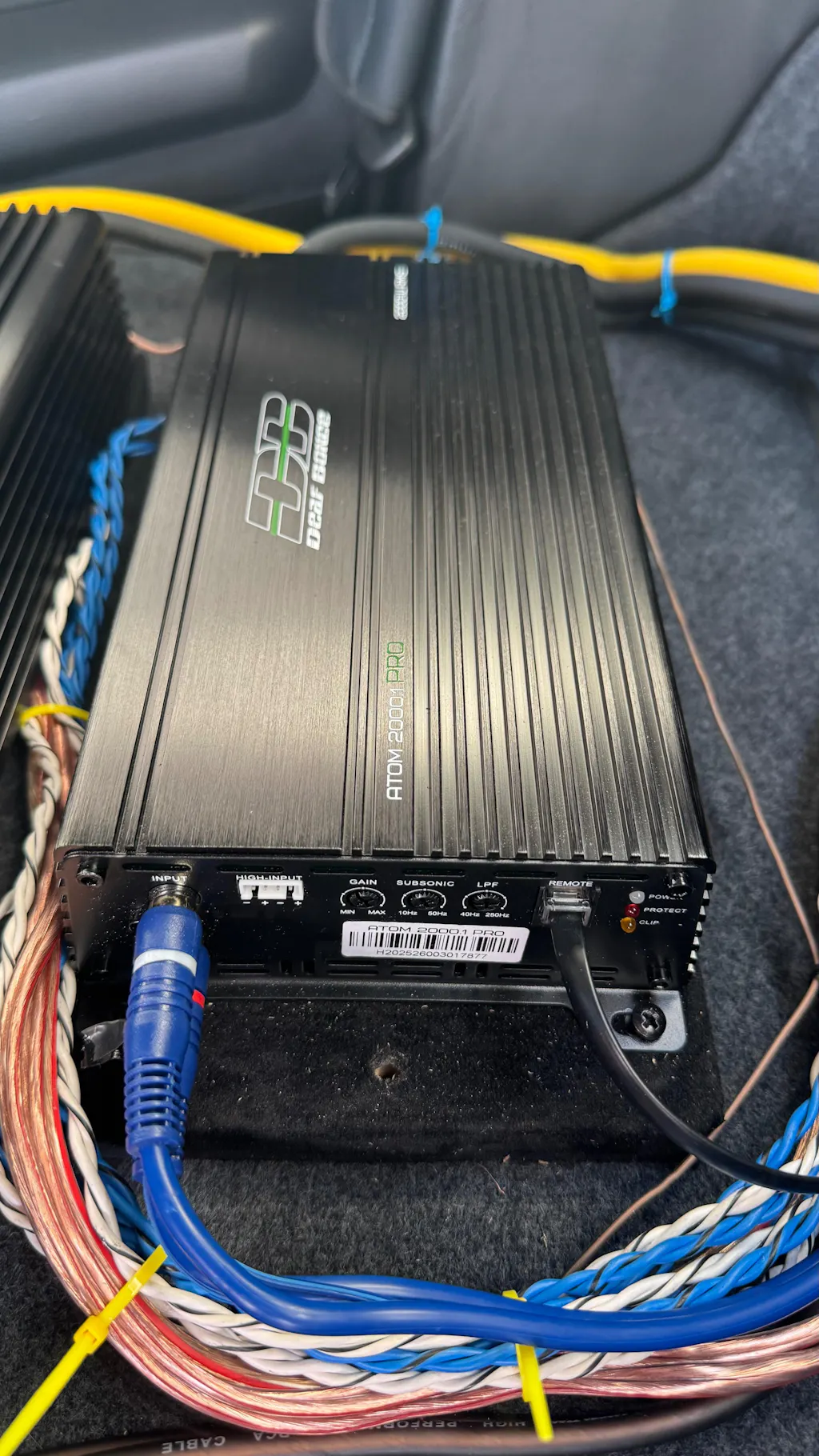
Compact and powerful active cooled amp there a remote knob included in the package that show the voltage and etc
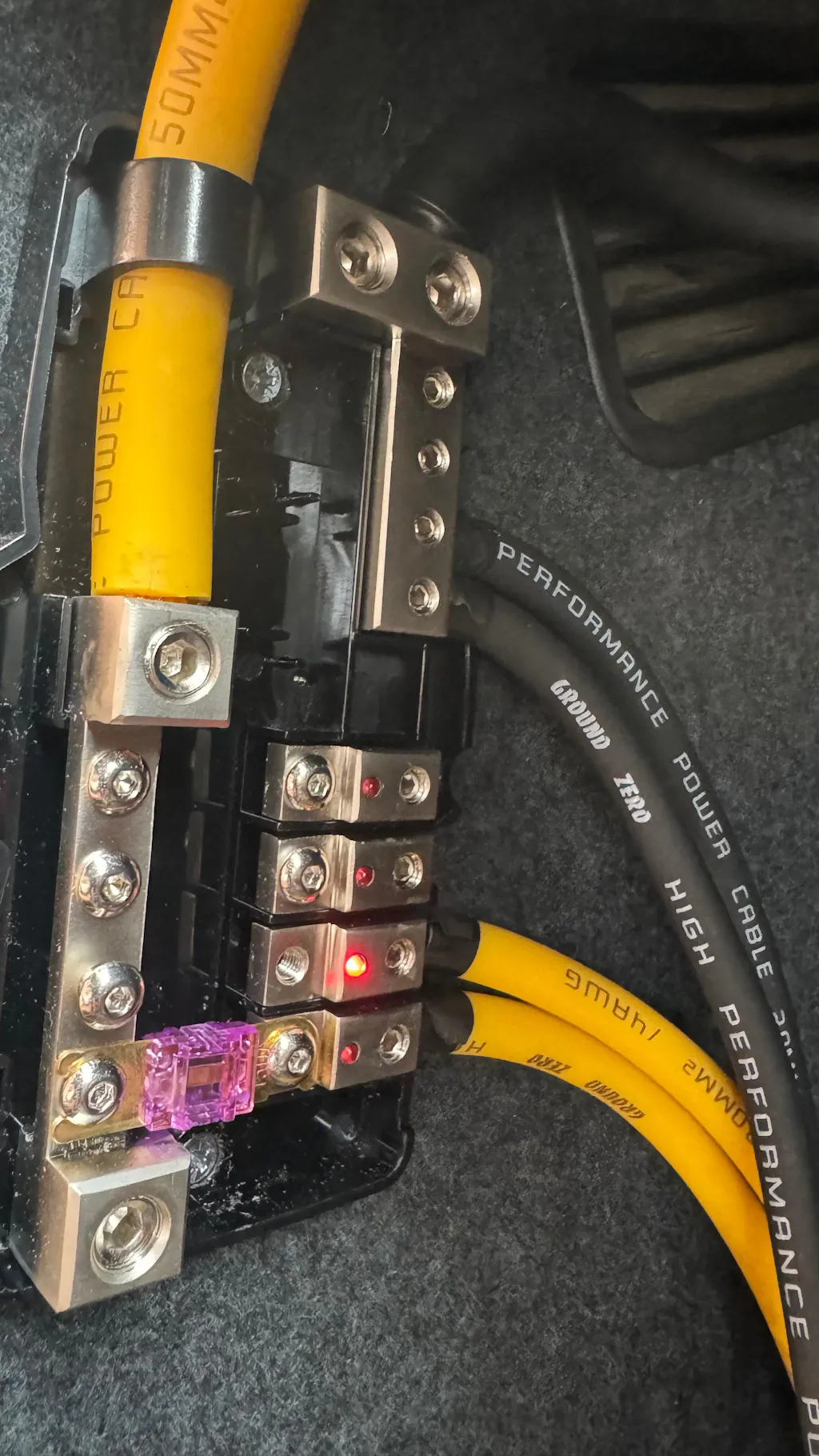
Love it. It show when a fuse is blown
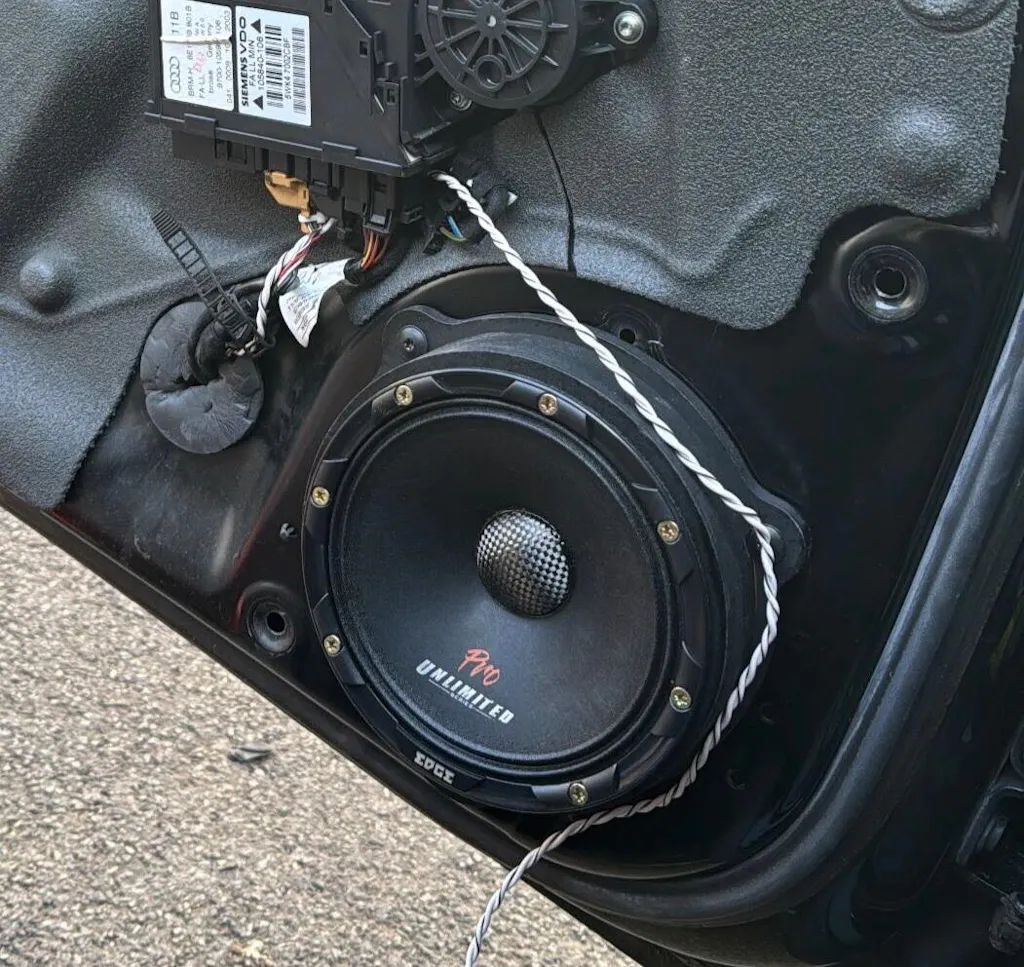
Good fit on A4 b6 2004
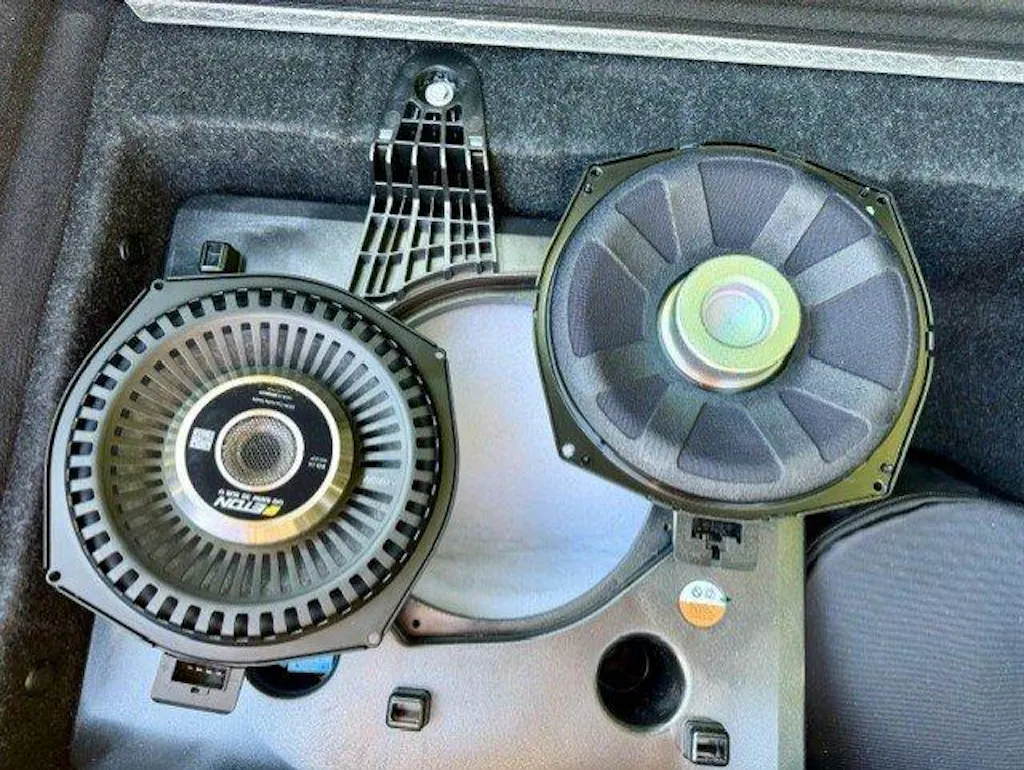
Hammer Woofer 👍 jeden Euro wert
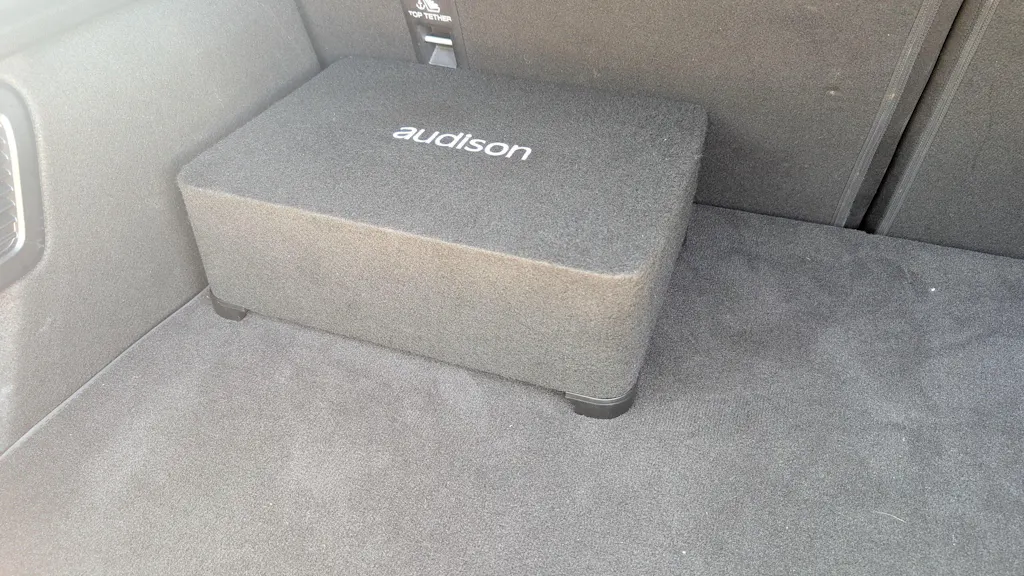
Great Product, Great Price
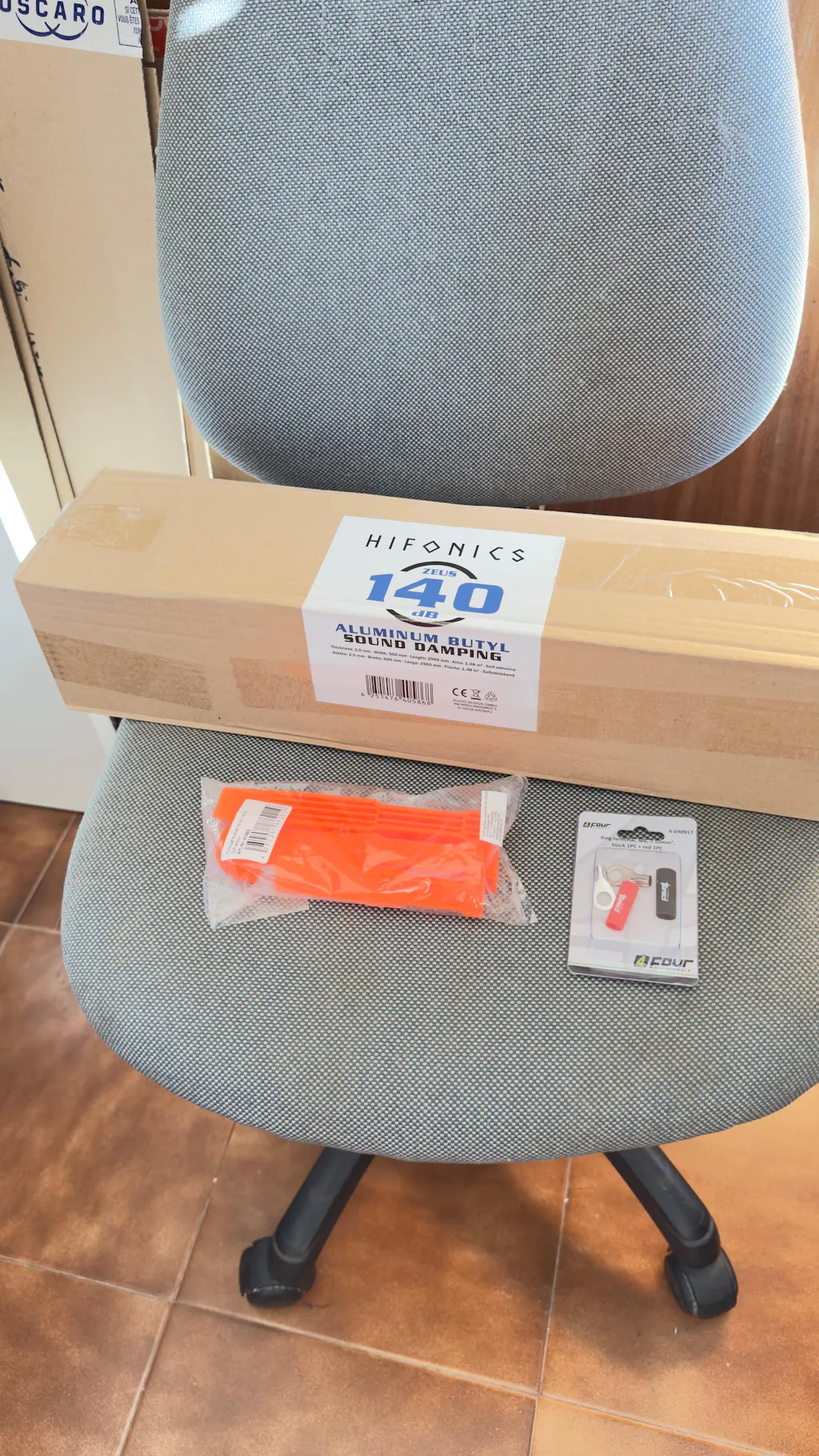
Very good experience purchasing several car audio installation products through Masori: Zeus AluButyl 140dB, the Montagehebelset Keile 3-piece soft trim removal tool set, and the 10–100 mm² M8 ring terminal set.
Shipping was fast and everything arrived well packaged with no issues. Regarding the products, the AluButyl provides very good sound deadening performance, with solid material that is easy to work with, ideal for doors and areas where vibration reduction is required.
The trim removal tool set is very useful for disassembling interior panels without damaging plastics or clips, especially in delicate areas, while the M8 ring terminals are of very good quality, offering solid contact and a robust finish, ideal for safe and professional power installations.
Overall, very satisfied with the purchase. High-quality materials suitable for professional-level car audio builds or well-finished personal projects, and a highly recommended store.
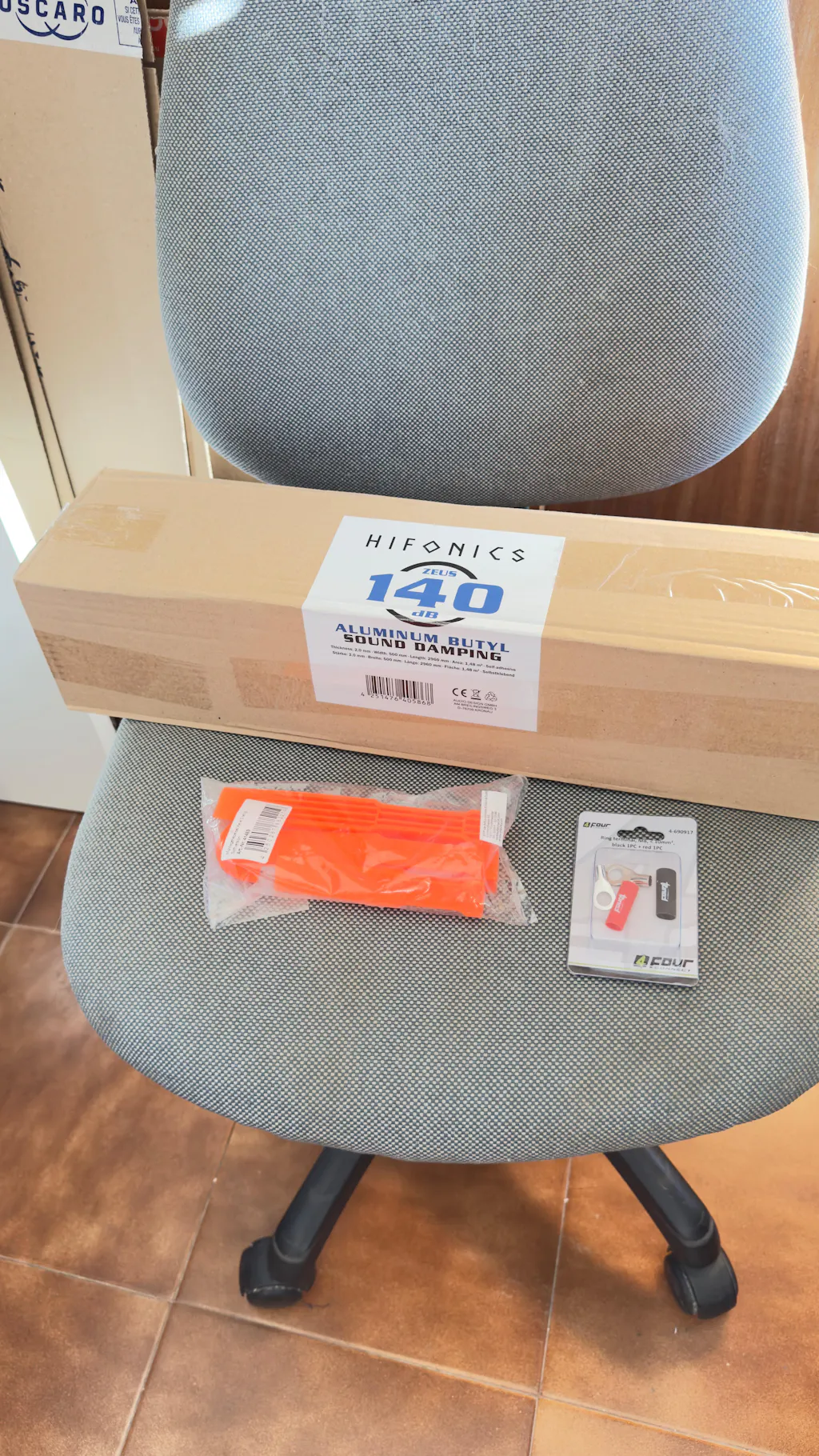
Very good experience purchasing several car audio installation products through Masori: Zeus AluButyl 140dB, the Montagehebelset Keile 3-piece soft trim removal tool set, and the 10–100 mm² M8 ring terminal set.
Shipping was fast and everything arrived well packaged with no issues. Regarding the products, the AluButyl provides very good sound deadening performance, with solid material that is easy to work with, ideal for doors and areas where vibration reduction is required.
The trim removal tool set is very useful for disassembling interior panels without damaging plastics or clips, especially in delicate areas, while the M8 ring terminals are of very good quality, offering solid contact and a robust finish, ideal for safe and professional power installations.
Overall, very satisfied with the purchase. High-quality materials suitable for professional-level car audio builds or well-finished personal projects, and a highly recommended store.
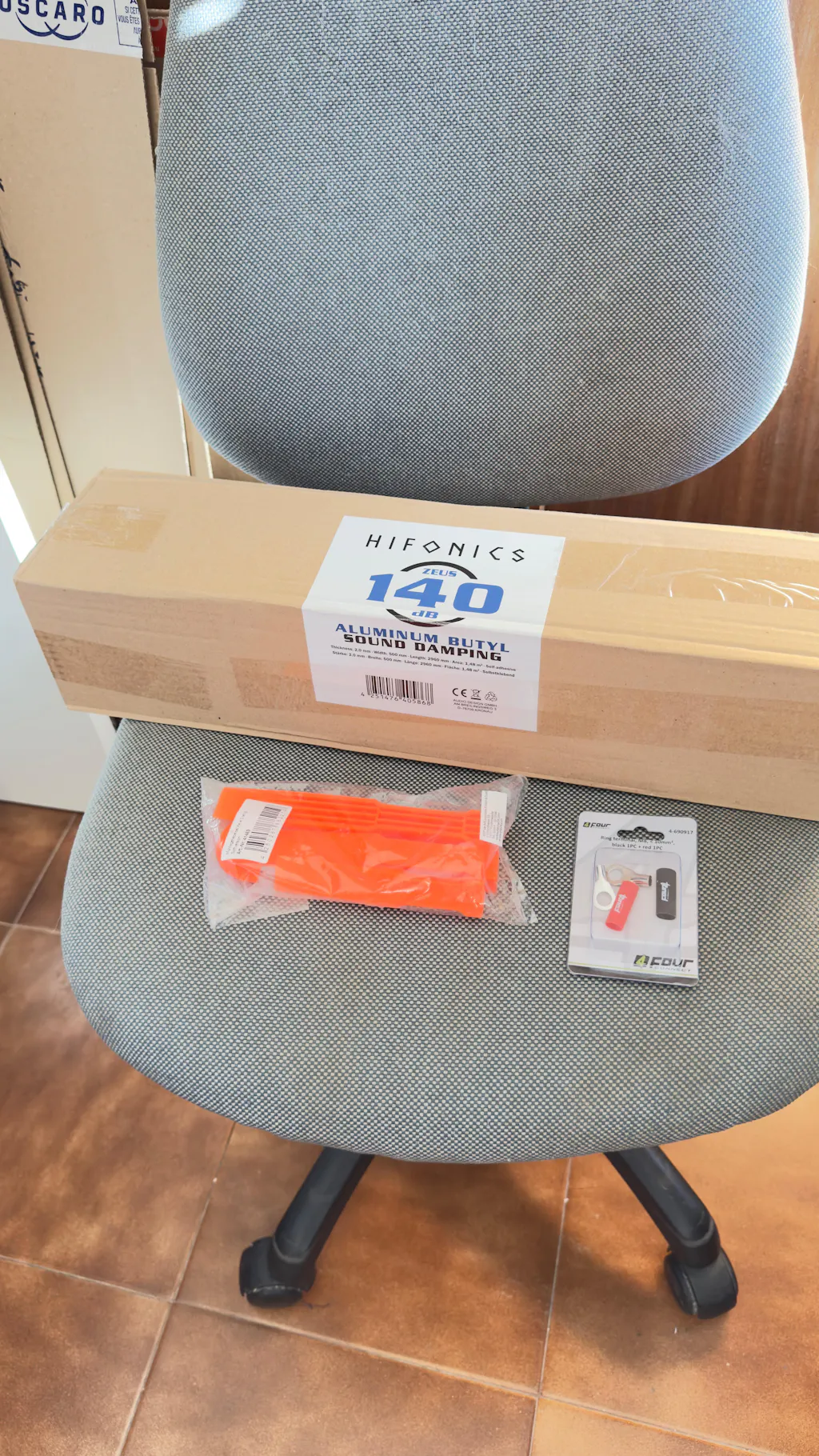
Very good experience purchasing several car audio installation products through Masori: Zeus AluButyl 140dB, the Montagehebelset Keile 3-piece soft trim removal tool set, and the 10–100 mm² M8 ring terminal set.
Shipping was fast and everything arrived well packaged with no issues. Regarding the products, the AluButyl provides very good sound deadening performance, with solid material that is easy to work with, ideal for doors and areas where vibration reduction is required.
The trim removal tool set is very useful for disassembling interior panels without damaging plastics or clips, especially in delicate areas, while the M8 ring terminals are of very good quality, offering solid contact and a robust finish, ideal for safe and professional power installations.
Overall, very satisfied with the purchase. High-quality materials suitable for professional-level car audio builds or well-finished personal projects, and a highly recommended store.
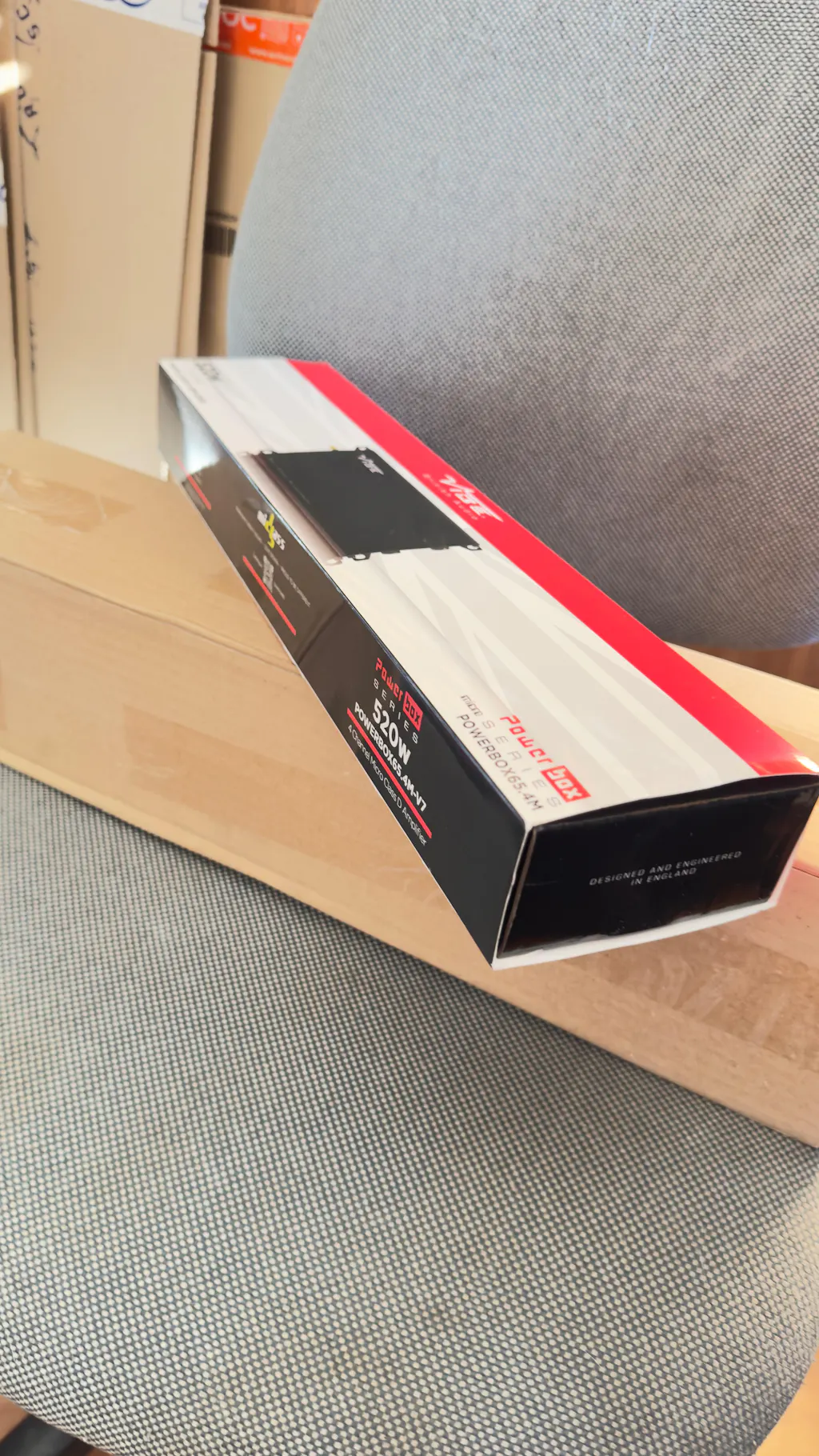
Very good experience purchasing the Vibe Audio POWERBOX65.4M amplifier through Masori.
Shipping was fast and the product arrived well packaged with no issues. The amplifier offers a very easy plug & play installation, making it ideal for OEM-style integrations or clean installations without complications.
Performance is stable, with good power for its size and very decent sound quality within its category. It’s a practical solution to upgrade a car audio system without complex installations or major modifications.
Overall, very satisfied with the purchase. A reliable shop and a product that delivers what it promises.