ESX VNA-MCC Navigation receiver accessories


ESX VNA-MCC Navigation receiver accessories
- Easy integration, reliable performance, improves user experience.
- Compatible with iOS CarPlay (USB), Android Auto (USB).
- Media Connect USB dongle for Android, ESX i15/i50 navigation receiver.
- Mehr technische Details
 Bequem in 12 zinsfreien Raten à
€6,58
mit
Klarna
zahlen.
Bequem in 12 zinsfreien Raten à
€6,58
mit
Klarna
zahlen.

Availability for pickups could not be loaded.
Shipping cost calculator
Shipping cost calculator
Garantie & zusätzlicher Geräteschutz für dein HiFi-System

Rob

Max
Unsicher, ob dieses Produkt zu deinem Auto passt?
Wir helfen dir – schnell, persönlich und unverbindlich.
Fill out the form and we will send you a personalized offer
This product is not universally compatible. Send us your vehicle data and we will check the fit for your model free of charge.


VNA-MCC by ESX
Discover the VNA-MCC from ESX, a high-quality naviceiver accessory that expands the functionality of your navigation system. This accessory is characterized by its easy integration and reliable performance, ensuring an enhanced user experience. Make sure your system is always up to date and enjoy the seamless connectivity that the VNA-MCC offers.
properties
- Media Connect USB Dongle for Android Devices
e.g. ESX navigation receiver of the series i15/i50
- Compatible with iOS CarPlay (USB) and Android Auto (USB)
ESX VNA-MCC Datenblatt
Frequent questions about VNA-MCC
Welche Anschlussmöglichkeiten bietet das ESX VNA-MCC für Android-Geräte?
Welche Anschlussmöglichkeiten bietet das ESX VNA-MCC für Android-Geräte?
Ist das ESX VNA-MCC kompatibel mit iOS CarPlay und Android Auto?
Ist das ESX VNA-MCC kompatibel mit iOS CarPlay und Android Auto?
Wie integriert sich das VNA-MCC von ESX in die Naviceiver der Baureihen i15 und i50?
Wie integriert sich das VNA-MCC von ESX in die Naviceiver der Baureihen i15 und i50?
Welche Leistungsmerkmale bietet das ESX VNA-MCC zur Erweiterung der Navigationssystem-Funktionalität?
Welche Leistungsmerkmale bietet das ESX VNA-MCC zur Erweiterung der Navigationssystem-Funktionalität?
Welche Konnektivitätsoptionen unterstützt das VNA-MCC für eine verbesserte Nutzererfahrung?
Welche Konnektivitätsoptionen unterstützt das VNA-MCC für eine verbesserte Nutzererfahrung?
Welche technischen Voraussetzungen müssen erfüllt sein, um das ESX VNA-MCC erfolgreich zu installieren?
Welche technischen Voraussetzungen müssen erfüllt sein, um das ESX VNA-MCC erfolgreich zu installieren?
Wie gewährleistet das VNA-MCC von ESX eine zuverlässige Leistung bei der Integration ins Navigationssystem?
Wie gewährleistet das VNA-MCC von ESX eine zuverlässige Leistung bei der Integration ins Navigationssystem?
Unterstützt das ESX VNA-MCC Firmware-Updates für eine kontinuierlich aktuelle Systemfunktionalität?
Unterstützt das ESX VNA-MCC Firmware-Updates für eine kontinuierlich aktuelle Systemfunktionalität?
Wie nutzt das VNA-MCC von ESX den Media Connect USB Dongle für eine nahtlose Verbindung mit Android-Geräten?
Wie nutzt das VNA-MCC von ESX den Media Connect USB Dongle für eine nahtlose Verbindung mit Android-Geräten?
Welche Schritte sind erforderlich, um das ESX VNA-MCC mit den ESX i15/i50 Naviceivern einzurichten?
Welche Schritte sind erforderlich, um das ESX VNA-MCC mit den ESX i15/i50 Naviceivern einzurichten?
Herstellerinformation/verantwortliche Person
Herstellerinformation/verantwortliche Person
Let customers speak for us
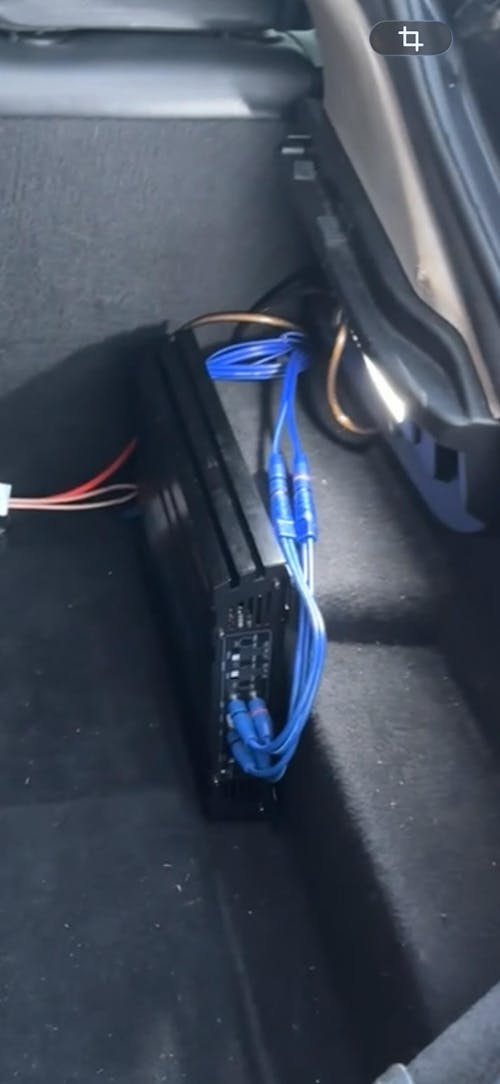
Super Subwoofer mit extrem tiefem Bass. Die Kabel sind dick und hochwertig verarbeitet. Es gibt nichts zu beanstanden. Absolut empfehlenswert.
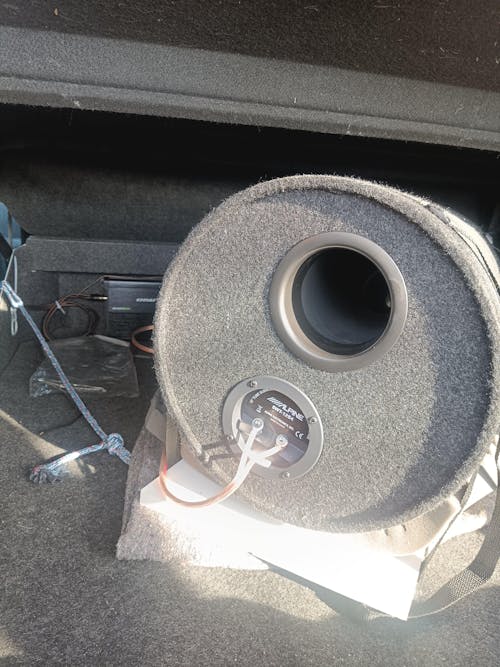
Un sacré caisson de basses , j'ai eu un 46 cm killer 454 de l'époque année 90 , qui tapait vraiment bien , mais ce tube est bien plus fort et plus ample, toutes les basses passent sans problème, avec une télécommande à réglage multiples taramps eq bass , et un ampli Machete de masori , le couple est parfait, personnellement j'en ai deux tubes et ça donne énormément, avec l'ampli 2 x 530 en 4 ohms . Parfois le plus simple est bien meilleur et plus durable .
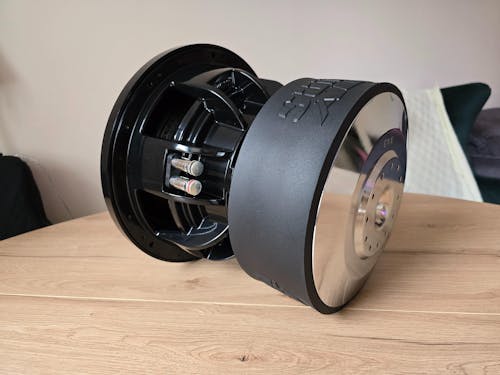
Hallo. Sehr freundlicher Kundenservice und schnelle Auftragsabwicklung. Der Lautsprecher ist brandneu und unbenutzt. Ich habe ihn vor einiger Zeit gekauft, aber erst kürzlich das Gehäuse fertiggestellt. Die Parameter entsprechen den Herstellerangaben: 42,5 Liter Nettovolumen, abgestimmt auf 32 Hz und 21 mm starkes Sperrholz. Ich hatte noch nie einen 10-Zoll-Lautsprecher und wusste nicht, was mich erwartet, aber das Ergebnis hat meine kühnsten Erwartungen übertroffen. Der Bass aus einem so kleinen Lautsprecher in einem so kleinen Gehäuse ist einfach unglaublich. Um den X-10 zu kaufen, habe ich meinen DD 712f in einem 70-Liter-Gehäuse verkauft, und der war ein Volltreffer. Der Sundown ist in jeder Hinsicht besser. Ich kann diesen Lautsprecher und den Händler, bei dem ich ihn gekauft habe, wärmstens empfehlen. Beste Grüße.
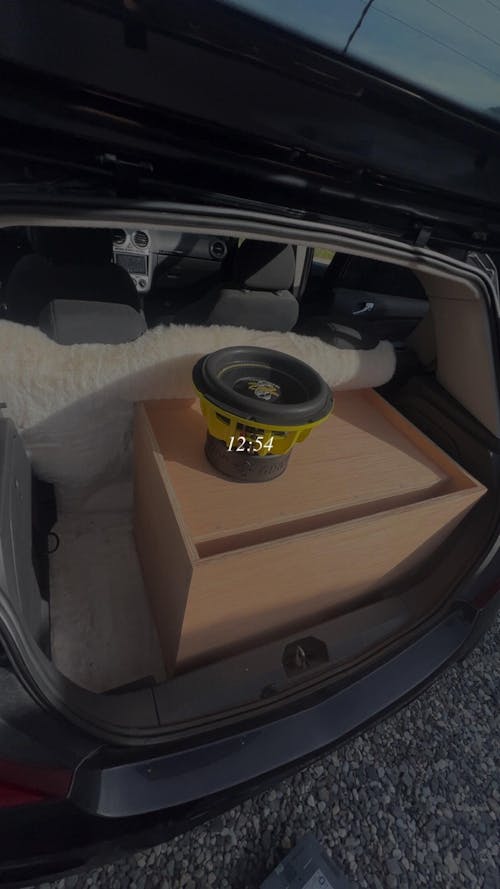
Est arrivé à la maison très rapidement 👌🏽
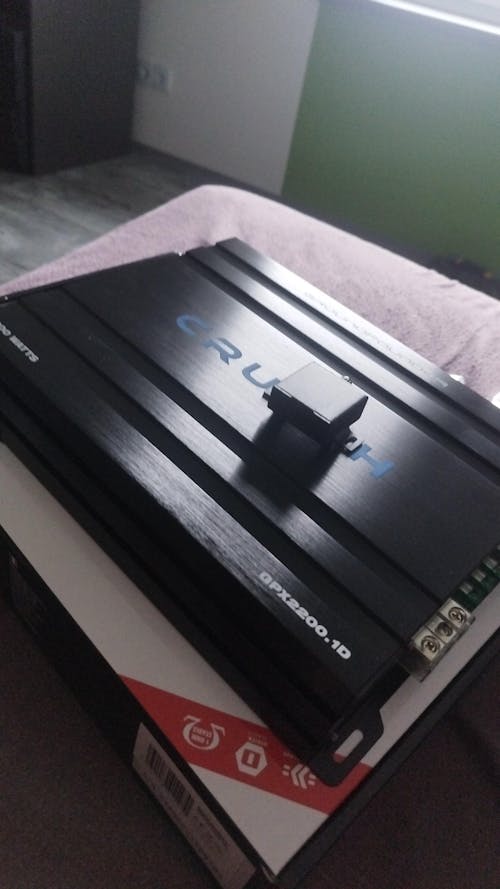
Geht echt gut und leicht zum einstellen
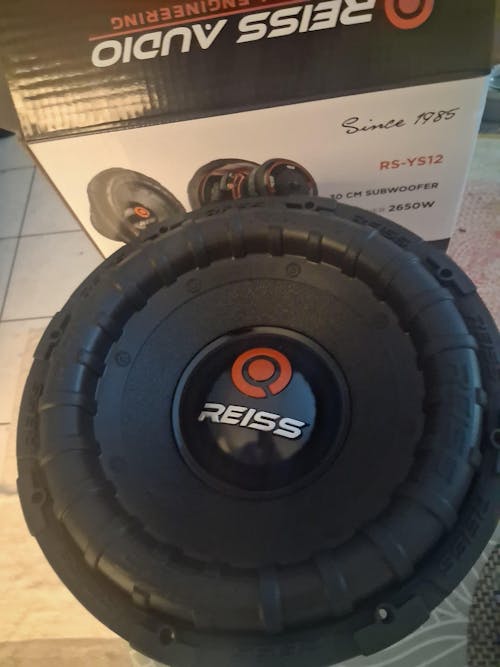
Bonjour, je reçu le colis bien emballé.
Je recommande vivement, la livraison est gratuite et rapide, je recommanderai sûrement encore chez Masori.

Bought again. Great price, fast delivery, nice !
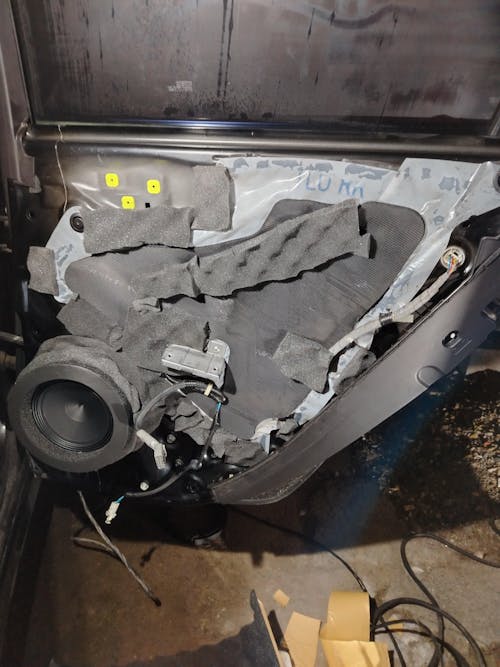
Perfect sound, I bough 2 pairs for the door and the difference between these and the stock ones are huge

Très bonne qualité
Envoie rapide et soigné
Je recommande
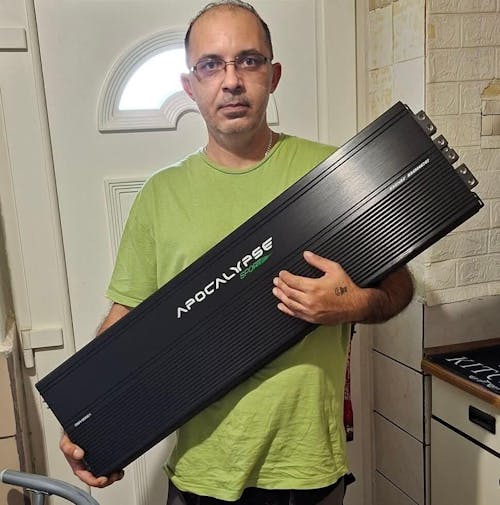
Szuper
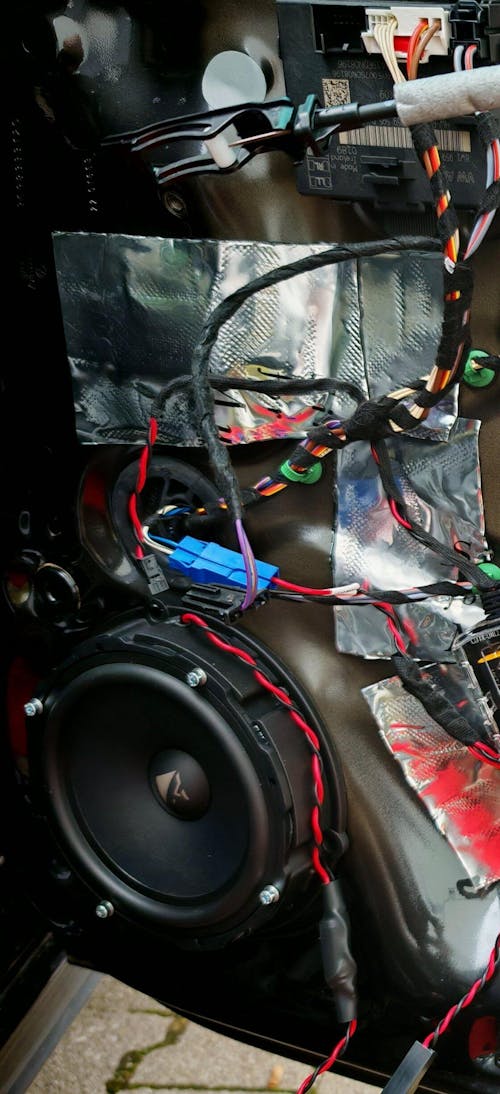
Tolles Produkt. Sehr hochwertig und passgenau. Passt in die hinteren Türen von meinem Passat B8 2019 perfekt.
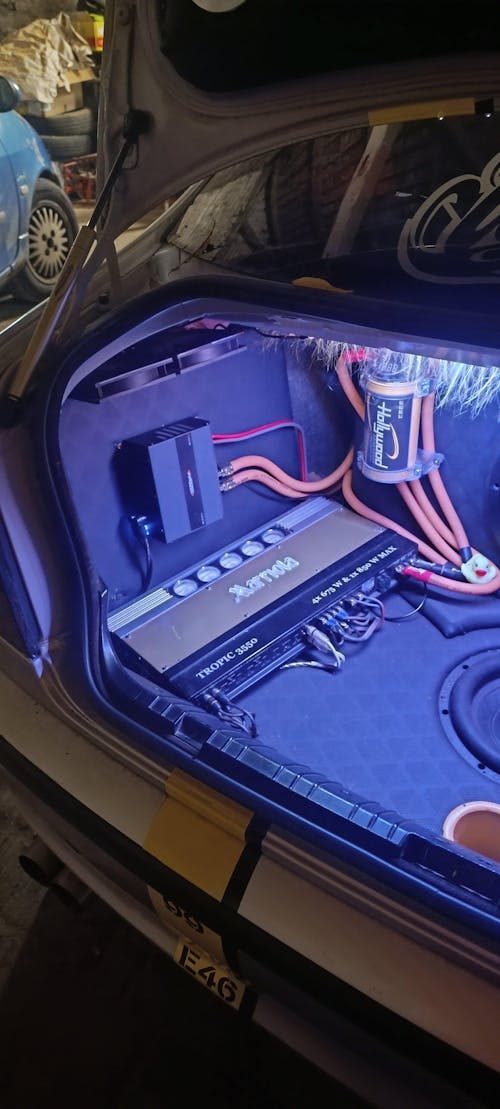
Nice

Qualität und Verarbeitung sind sehr hochwertig wie man es von hifonics kennt 5 Sterne

Preis/Leistung Qualität top!
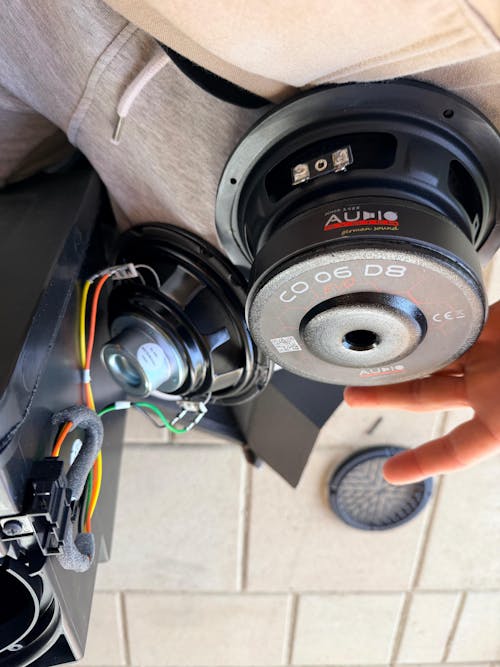
Ich habe den Woofer in meinem Skoda Octavia 3 mit Canton Soundsystem eingebaut.
Der Einbau war Plug & Play, alles passt perfekt ohne Anpassungen.
Im Vergleich zum originalen Canton Subwoofer spielt dieser deutlich stärker, präziser und mit mehr Druck.
Ich kann den Woofer jedem empfehlen, der mehr Bass aus dem Canton-System herausholen möchte – lohnt sich absolut!
Ask a question about VNA-MCC

Subwoofer Complete Sets - Stress-Free Bass Upgrade
- Ready to install with everything you need
- Perfect compatibility
- Easy installation
Recently viewed products
Your advantages at Masori